
HTML Validator
Validate HTML markup for common issues.
Type to search tools. Use the up and down arrow keys to move through results, Enter to open a result, and Escape to clear the search.
Validate HTML markup for common issues.
Related tools
Ready tools are shown first.
Tool guide
Free Online Basic HTML Validator
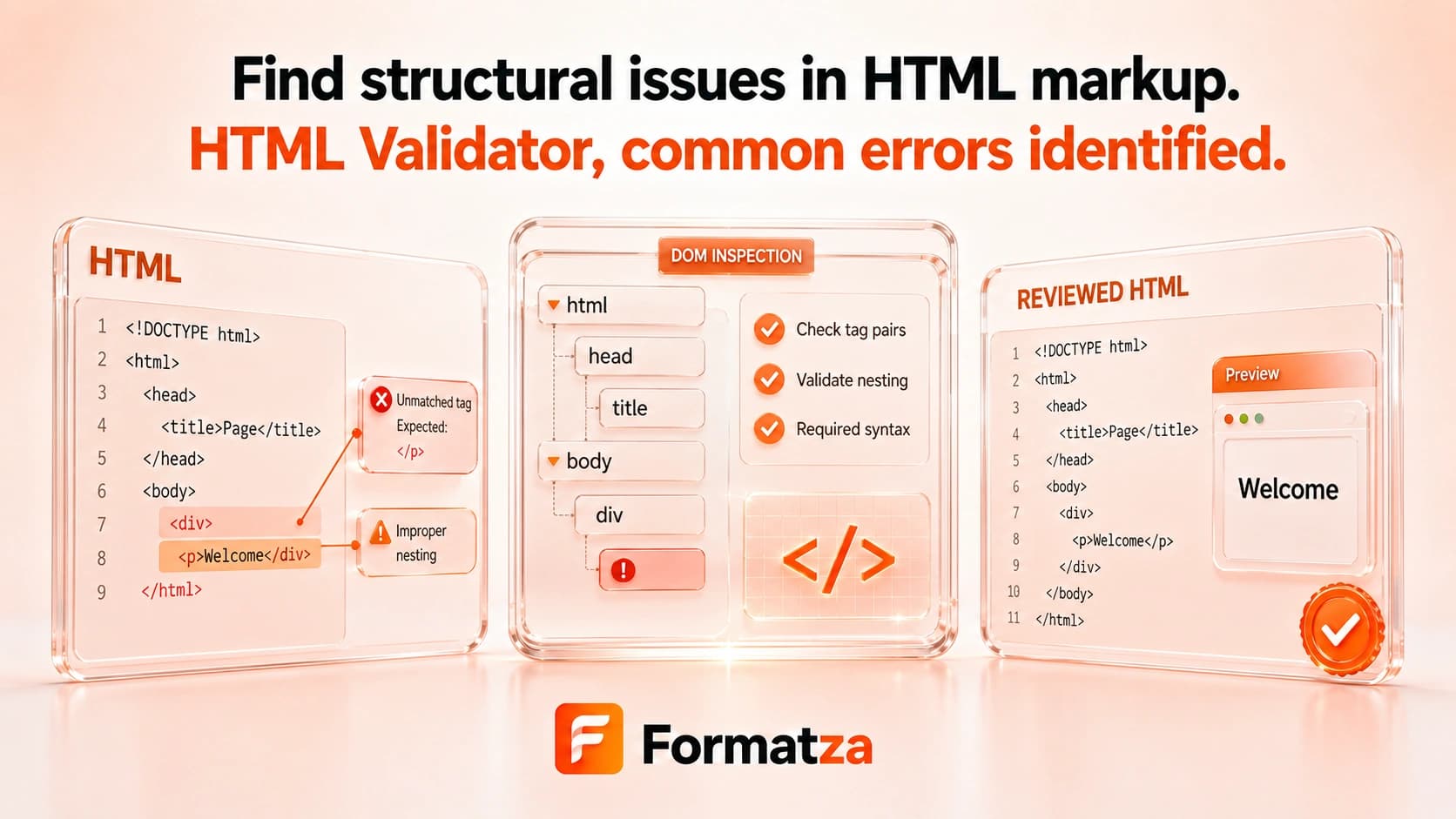
Check HTML for a missing HTML5 doctype and obvious mismatched or unclosed tags. This local heuristic checker is useful for a quick markup review, but it is not a full standards, accessibility, SEO, or security validator.
Steps
How it works
- Paste HTML or choose one HTML, HTM, or TXT file.
- Run the basic markup checks in your browser.
- Review doctype, mismatched closing-tag, and unclosed-tag warnings.
- Copy or download the validation summary.
Highlights
Key features
- Checks whether an HTML5 doctype declaration is present.
- Uses a tag stack to flag possible mismatched closing tags.
- Reports up to five remaining tag names when possible unclosed tags remain.
- Recognizes standard void elements and self-closing tags.
- Works with pasted markup and supported HTML or TXT files.
Use cases
Common uses
- Catch obvious missing closing tags in a simple HTML document.
- Check whether a document includes an HTML5 doctype.
- Review small markup snippets during development.
- Get a basic local warning summary before deeper validation.
Notes
Limitations to know
- The checker uses regular expressions and a simple tag stack, not a browser parser or the W3C validation service.
- It does not check invalid nesting rules, duplicate IDs, required attributes, deprecated elements, accessibility, SEO, or browser compatibility.
- It does not report line or column numbers or classify warning severity.
- Markup inside scripts, templates, comments, or unusual syntax can confuse the heuristic checks.
- The tool does not sanitize or automatically repair HTML.
FAQ
Frequently asked questions
Does HTML Validator perform full standards validation?
No. It checks a small set of common issues and is not a W3C conformance validator.
Does it show line numbers?
No. Results describe possible issues without line or column locations.
Can it detect unclosed tags?
It can flag possible unclosed tags using a simple stack, but complex markup can produce incomplete or inaccurate results.
Does it check accessibility?
No. It does not audit labels, alternative text, landmarks, contrast, keyboard access, or other accessibility requirements.
Does it fix HTML automatically?
No. The source is not modified.
Can valid HTML render differently across browsers?
Yes. Standards-valid markup can still be affected by CSS, scripts, browser support, and rendering differences.