
HEX Color Picker
Pick and inspect HEX color values.
Type to search tools. Use the up and down arrow keys to move through results, Enter to open a result, and Escape to clear the search.
Pick and inspect HEX color values.
Related tools
Ready tools are shown first.
Tool guide
Free Online HEX Color Picker
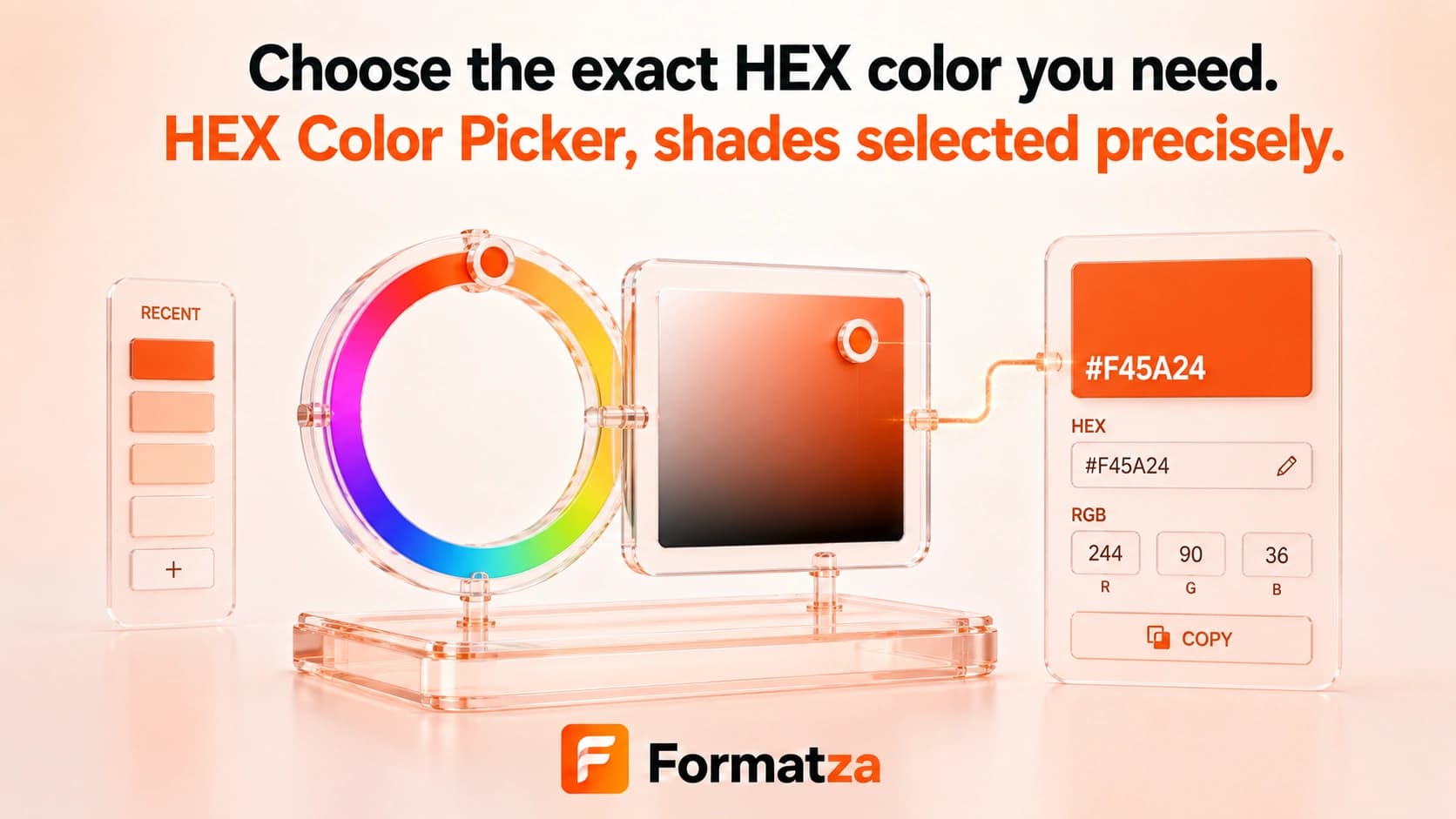
Choose a web color visually or enter a three-digit or six-digit HEX value, then inspect its normalized HEX, RGB, and HSL representations. A live swatch helps you review the color before copying or downloading the values.
Steps
How it works
- Choose a color with the visual input or type a HEX value.
- Review the live color swatch and converted values.
- Run Inspect Color to prepare the downloadable result.
- Copy the values or download them as a TXT file.
Highlights
Key features
- Accepts three-digit and six-digit HEX syntax with an optional hash.
- Includes a native visual color input.
- Normalizes valid input to uppercase six-digit HEX.
- Displays matching RGB and HSL values.
- Provides a live preview, copy action, and text download.
Use cases
Common uses
- Choose a CSS color for a website or component.
- Expand shorthand HEX into a full six-digit value.
- Compare HEX, RGB, and HSL notation for the same color.
- Copy a consistent color value into design documentation.
Notes
Limitations to know
- Four-digit and eight-digit HEX alpha syntax is not supported.
- The picker handles one color at a time and does not generate a palette.
- Contrast checking and accessibility validation are not included.
- CMYK, LAB, OKLCH, and print color conversions are not provided.
- The displayed result depends on the screen and browser color rendering.
FAQ
Frequently asked questions
Does it support three-digit HEX colors?
Yes. A value such as #F63 is expanded and displayed as its equivalent six-digit HEX color.
Can I enter a HEX value manually?
Yes. Enter three or six hexadecimal digits, with or without the leading hash.
Are RGB and HSL values shown?
Yes. Valid HEX input is converted into RGB and HSL text.
Is transparency supported?
No. Alpha-channel HEX forms are not accepted by this picker.
Does it generate a color palette or check contrast?
No. It inspects one color and does not create palettes or accessibility scores.