
CSS Formatter
Format CSS stylesheets for easier reading.
Type to search tools. Use the up and down arrow keys to move through results, Enter to open a result, and Escape to clear the search.
Format CSS stylesheets for easier reading.
Related tools
Ready tools are shown first.
Tool guide
Free Online CSS Formatter
Add readable line breaks and two- or four-space indentation to basic CSS stylesheets. The formatter uses lightweight text replacements rather than a CSS parser, so review strings, data URLs, custom syntax, and complex nested constructs before using the output.
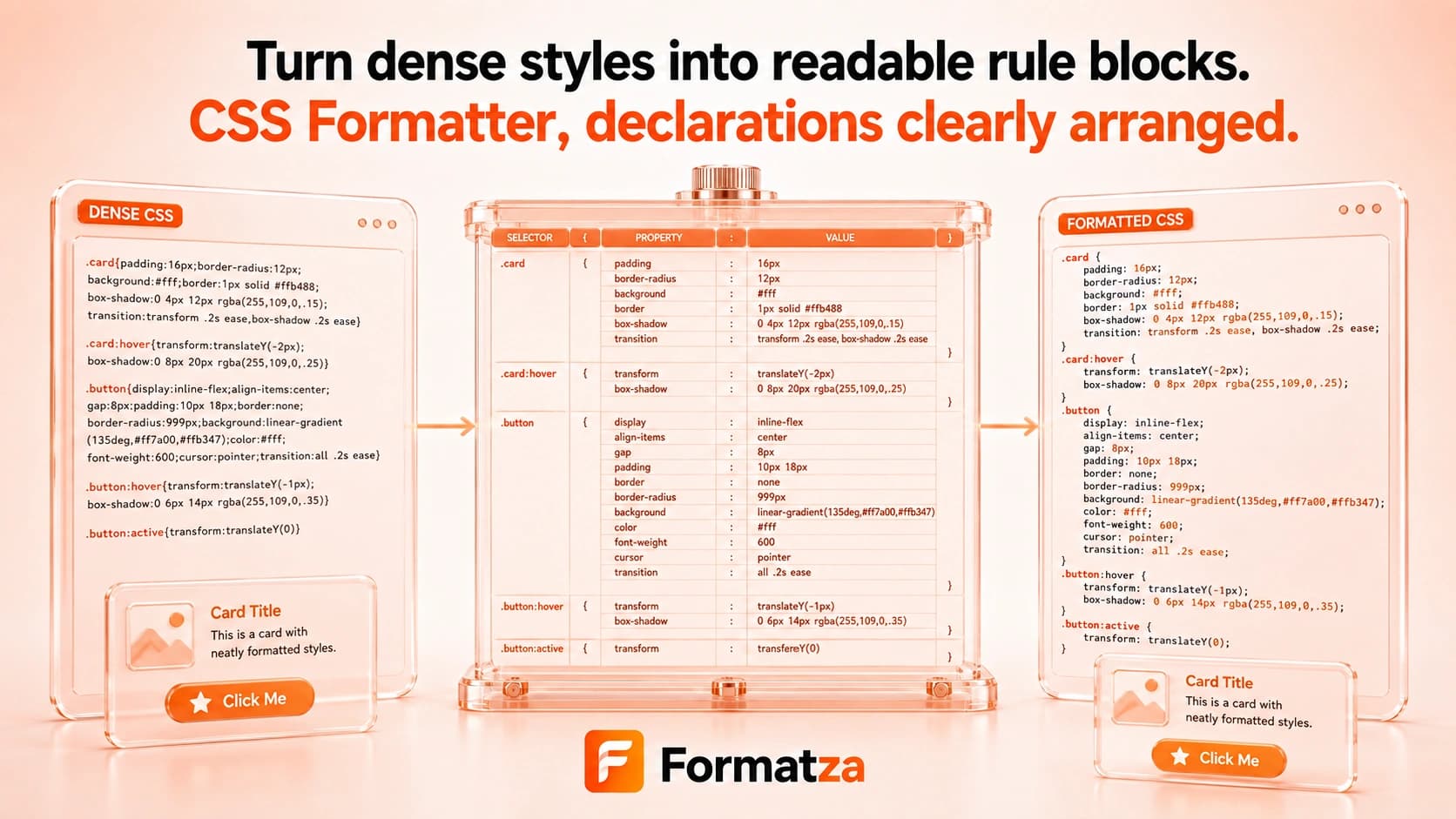
Steps
How it works
- Paste CSS or choose one CSS or TXT file.
- Select two- or four-space indentation.
- Format braces, declarations, comments, and surrounding whitespace.
- Review, copy, or download the formatted CSS.
Highlights
Key features
- Adds line breaks around rule blocks and after semicolons.
- Indents nested brace levels with two or four spaces.
- Retains CSS comments while placing them on separate lines.
- Works with pasted CSS and supported CSS or TXT files.
- Provides copy and formatted CSS download actions.
Use cases
Common uses
- Make compact CSS easier to read during debugging.
- Re-indent simple stylesheets before editing.
- Prepare readable CSS examples for documentation.
- Inspect rule and declaration boundaries in basic CSS.
Notes
Limitations to know
- Formatting is regex-based and does not validate or parse CSS grammar.
- Semicolons, braces, or comment-like text inside quoted strings and data URLs may be reformatted incorrectly.
- Custom properties, at-rules, and native nesting may work for simple cases but are not syntax-aware.
- Sass, SCSS, Less, Stylus, source maps, and browser compatibility analysis are not supported.
- Formatting is for readability and does not minify, optimize, or remove unused CSS.
FAQ
Frequently asked questions
Does CSS Formatter support custom properties?
Simple custom-property declarations may format, but the tool is not syntax-aware and cannot guarantee complex values remain unchanged.
Are CSS comments preserved?
The formatter retains block comments, although it changes surrounding whitespace and line placement.
Does it support CSS nesting?
Brace indentation can handle simple nested blocks, but native nesting syntax is not parsed or validated.
Can it format SCSS or Less?
No dedicated preprocessor parser is included, so SCSS, Sass, Less, and Stylus are not supported reliably.
Does formatting reduce CSS file size?
No. Formatting adds readable whitespace. Use CSS Minifier when you need a smaller text representation.
Will formatting change CSS behavior?
It can for syntax-like characters inside strings, data URLs, or complex constructs because the formatter uses text replacements rather than a CSS parser.