
Countdown Timer
Create a browser-based countdown timer.
Type to search tools. Use the up and down arrow keys to move through results, Enter to open a result, and Escape to clear the search.
Create a browser-based countdown timer.
Accurate timing that stays on track when the browser is busy.
Time remaining
Set countdown
Pause the timer before changing its duration.
Related tools
Ready tools are shown first.
Timestamp Converter
Convert timestamps into readable dates and back.
Days Between Two Dates
Calculate the number of days between two dates.
Date Difference Calculator
Find the difference between dates in years, months, weeks, and days.
Business Days Calculator
Calculate working days between dates excluding weekends.
Add/Subtract Date Calculator
Add or subtract days, weeks, months, or years from a date.
Date Format Converter
Convert dates between common formats.
Tool guide
Free Online Countdown Timer
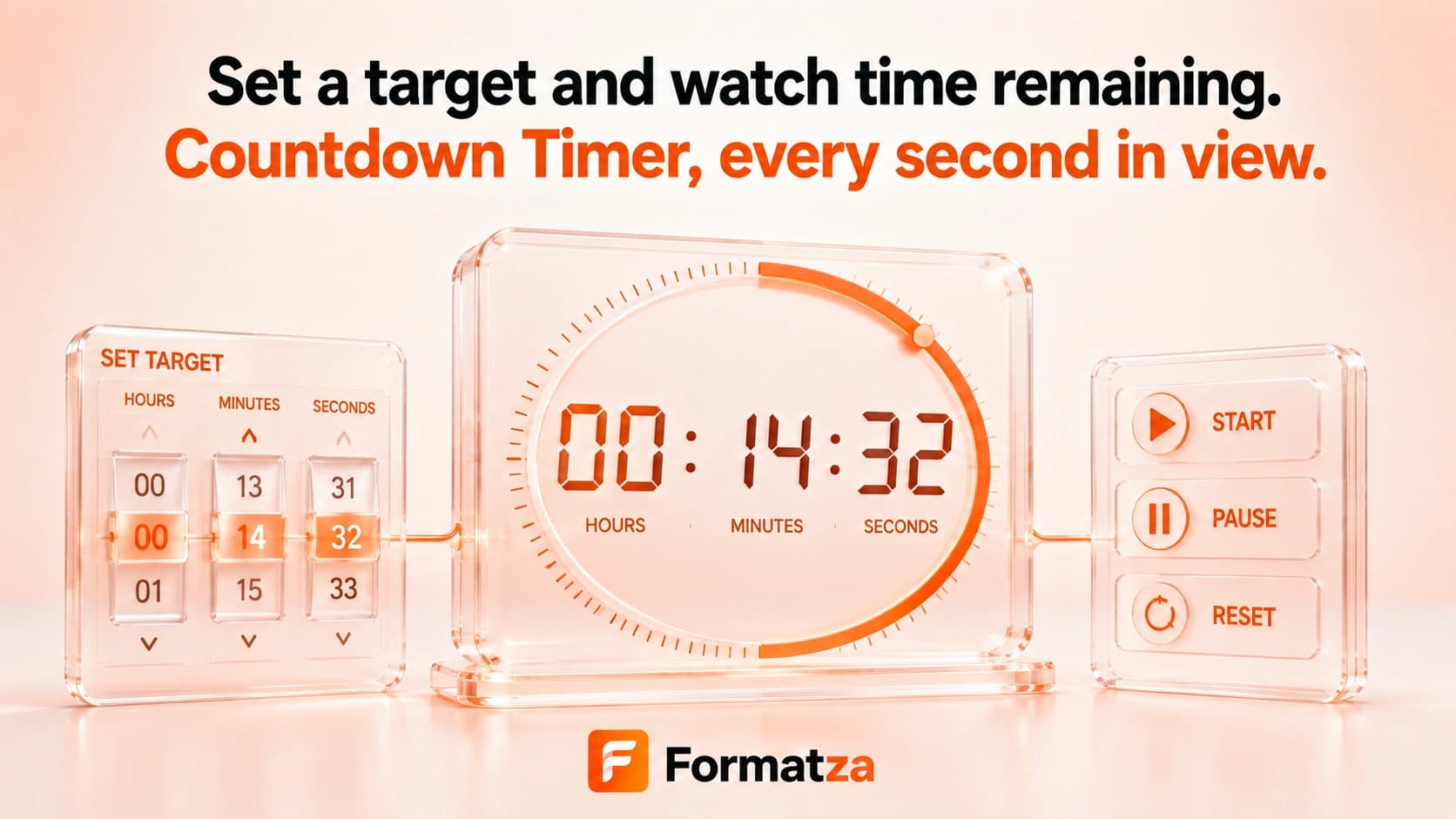
Run a simple browser countdown using custom hours, minutes, and seconds. Start, pause, resume, or reset the timer from the same page without installing a timer app.
Steps
How it works
- Set the hours, minutes, and seconds.
- Start the countdown when you are ready.
- Pause and resume the remaining time as needed.
- Reset the timer to restore its default five-minute setting.
Highlights
Key features
- Separate controls for hours, minutes, and seconds.
- Start, pause, resume, and reset actions.
- Uses elapsed browser timing between interval updates to reduce ordinary update drift.
- Stops at zero without counting into negative time.
- Runs entirely in the current browser page.
Use cases
Common uses
- Set a minutes countdown for study or focused work.
- Time a short break, exercise, or household task.
- Run a seconds-based timer for a quick activity.
- Pause and resume a countdown when an activity is interrupted.
Notes
Limitations to know
- No alarm sound, sound selection, browser notification, or custom label is included.
- Fullscreen mode, multiple simultaneous timers, and keyboard shortcuts are not supported.
- The timer is not saved and resets when the page is refreshed or closed.
- Background-tab throttling can delay visible updates, although elapsed time is reconciled when the timer callback runs again.
- A sleeping or suspended device cannot provide a guaranteed alert at zero.
FAQ
Frequently asked questions
Can the countdown be paused and resumed?
Yes. The main action pauses a running timer and resumes it from the remaining time.
Does the timer play an alarm?
No. The current timer stops at zero but does not play audio or send a notification.
Does it continue in a background tab?
Elapsed time can be reconciled when callbacks resume, but browsers may throttle background tabs, so the visible countdown may not update continuously.
Does the timer survive a page refresh?
No. Timer state is held in the current page and is not saved to local storage.
Is fullscreen countdown mode available?
No. The current tool uses the standard tool-page display.
Is this also a stopwatch or Pomodoro timer?
No. This tool counts down from a chosen duration. Formatza provides separate Stopwatch and Pomodoro Timer tools.