
Color Eyedropper
Pick colors for development and design workflows.
Type to search tools. Use the up and down arrow keys to move through results, Enter to open a result, and Escape to clear the search.
Pick colors for development and design workflows.
Related tools
Ready tools are shown first.
Tool guide
Free Online Color Eyedropper
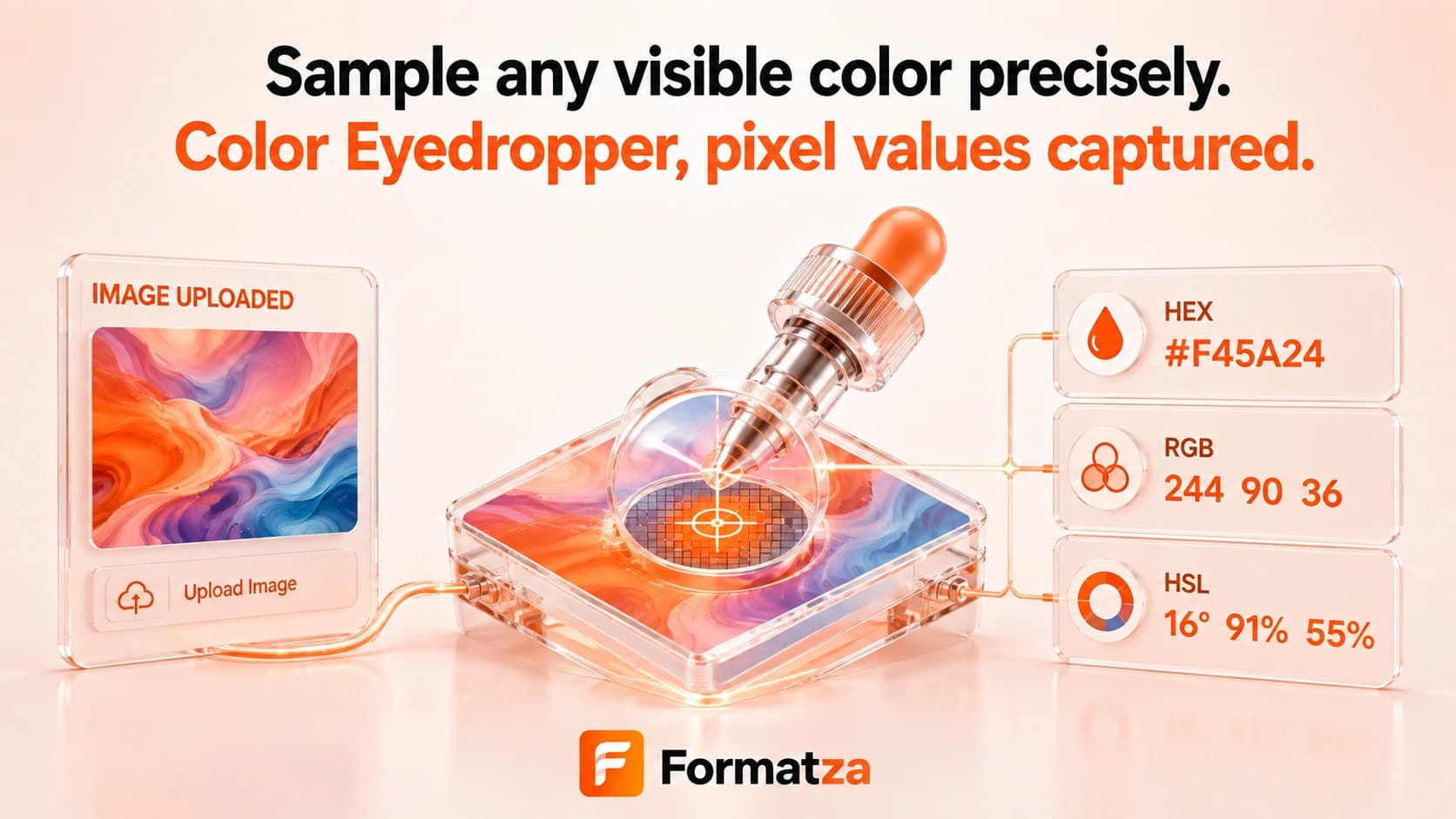
Use the browser EyeDropper API to select a color from anywhere the supported browser allows on screen. Formatza then displays the sampled sRGB color as HEX, RGB, and HSL values for copying or download.
Steps
How it works
- Select Pick Color to request the browser eyedropper.
- Choose a visible screen pixel using the browser-controlled picker.
- Review the selected color preview and HEX, RGB, and HSL values.
- Copy the values or download them as a TXT file.
Highlights
Key features
- Uses the native browser EyeDropper API where available.
- Samples a screen pixel after explicit user interaction.
- Displays normalized six-digit HEX output.
- Converts the sampled color to RGB and HSL text.
- Provides a visual swatch plus copy and text-download actions.
Use cases
Common uses
- Sample a color from a webpage or visible design reference.
- Capture a screen color for CSS styling.
- Translate an eyedropper result into HEX, RGB, and HSL notation.
- Compare a visible UI color with an existing design token.
Notes
Limitations to know
- The EyeDropper API is not available in every browser and may require Chrome or Edge.
- This tool does not upload images or provide an image-specific canvas sampler.
- It records one current sample and does not maintain color history or extract a palette.
- Alpha or transparency values are not returned.
- Display calibration, color profiles, scaling, and compression can make values differ from other applications or physical colors.
FAQ
Frequently asked questions
Can it sample a color anywhere on my screen?
In supported browsers, the native EyeDropper interface lets you choose from screen content permitted by the browser after you click Pick Color.
Can I upload an image to sample it?
No. This tool uses the browser EyeDropper API rather than an uploaded-image picker.
Which color formats are shown?
The selected sRGB color is displayed as six-digit HEX, RGB, and HSL text.
Is transparency supported?
No. The EyeDropper result used here provides an opaque sRGB color without an alpha value.
Are picked colors saved in a history?
No. The interface keeps the current sample only until you pick another color or clear the tool.