
ASCII Art Generator
Generate ASCII art from text.
Type to search tools. Use the up and down arrow keys to move through results, Enter to open a result, and Escape to clear the search.
Generate ASCII art from text.
Related tools
Ready tools are shown first.
Tool guide
Free Text to ASCII Art Generator
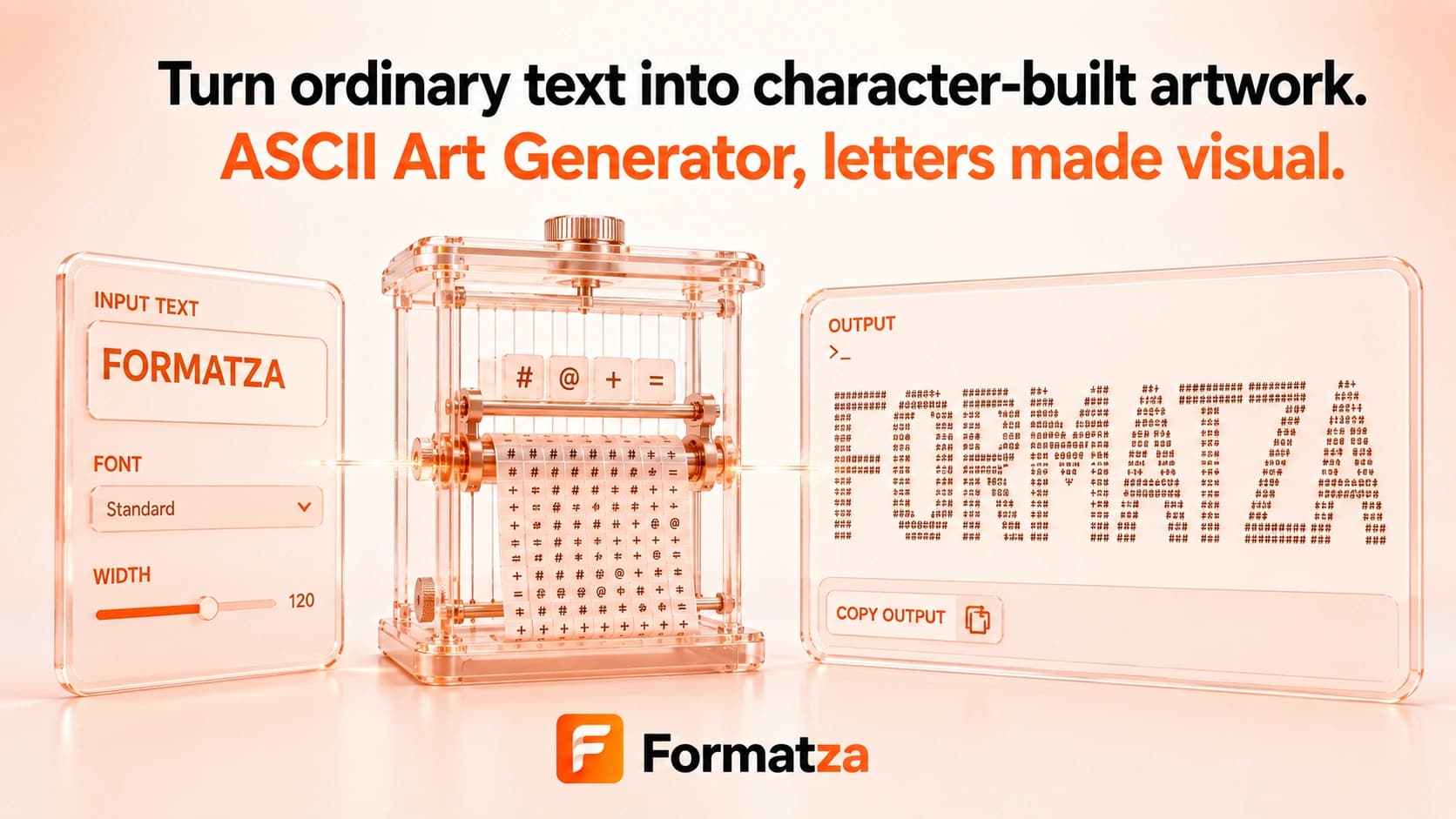
Turn short text into simple uppercase ASCII-style output with block, spaced, or boxed layouts. The generated result is plain text that can be copied or downloaded for comments, terminal-style labels, mockups, and lightweight banners.
Steps
How it works
- Enter the text for the ASCII banner.
- Choose the block, spaced, or boxed style.
- Generate and review the plain-text output.
- Copy the art or download it as a TXT file.
Highlights
Key features
- Provides three lightweight built-in styles.
- Converts entered text to uppercase before styling.
- Produces copyable plain-text output.
- Works without an external font or image-processing library.
- Supports text download after generation.
Use cases
Common uses
- Create a simple heading for a code comment.
- Add a compact label to terminal output or a README draft.
- Generate boxed or spaced text for mockups.
- Make lightweight text banners for demos.
Notes
Limitations to know
- The tool accepts text only and cannot convert images into ASCII art.
- It does not provide FIGlet fonts, large glyph matrices, alignment controls, or width settings.
- Block style wraps each character in brackets rather than drawing large font shapes.
- Text is uppercased, and there is no special transliteration or character-coverage handling.
- Long output can wrap on narrow screens, and proportional fonts or trimmed spaces can change alignment after pasting.
FAQ
Frequently asked questions
Can ASCII Art Generator convert an image?
No. It converts typed text only.
Which fonts or styles are available?
There are three built-in layouts: block, spaced, and boxed. Full ASCII font libraries are not included.
Does it support symbols or accented letters?
Typed characters are transformed with JavaScript uppercase rules and simple wrappers or spacing. There is no dedicated character-coverage system.
Why can alignment change after pasting?
The destination may use a proportional font, wrap long lines, collapse spaces, or trim whitespace. A monospaced text area works best.
Can I download the ASCII art?
Yes. Generate the result and download it as a TXT file.
Is the output strict ASCII?
The styles use basic punctuation around your uppercased input, but non-ASCII input characters are not converted into strict ASCII equivalents.