
TSV to Excel
Convert TSV files to Excel spreadsheets.
Type to search tools. Use the up and down arrow keys to move through results, Enter to open a result, and Escape to clear the search.
Convert TSV files to Excel spreadsheets.
Related tools
Ready tools are shown first.
Excel to CSV
Convert Excel spreadsheets to CSV files.
CSV to Excel
Convert CSV files to Excel spreadsheets.
Excel to JSON
Convert Excel spreadsheets to JSON data.
JSON to Excel
Convert JSON data to Excel spreadsheets.
Excel to HTML
Convert Excel sheets to HTML tables.
HTML Table to Excel
Convert HTML tables to Excel spreadsheets.
Tool guide
Free Online TSV to Excel Converter
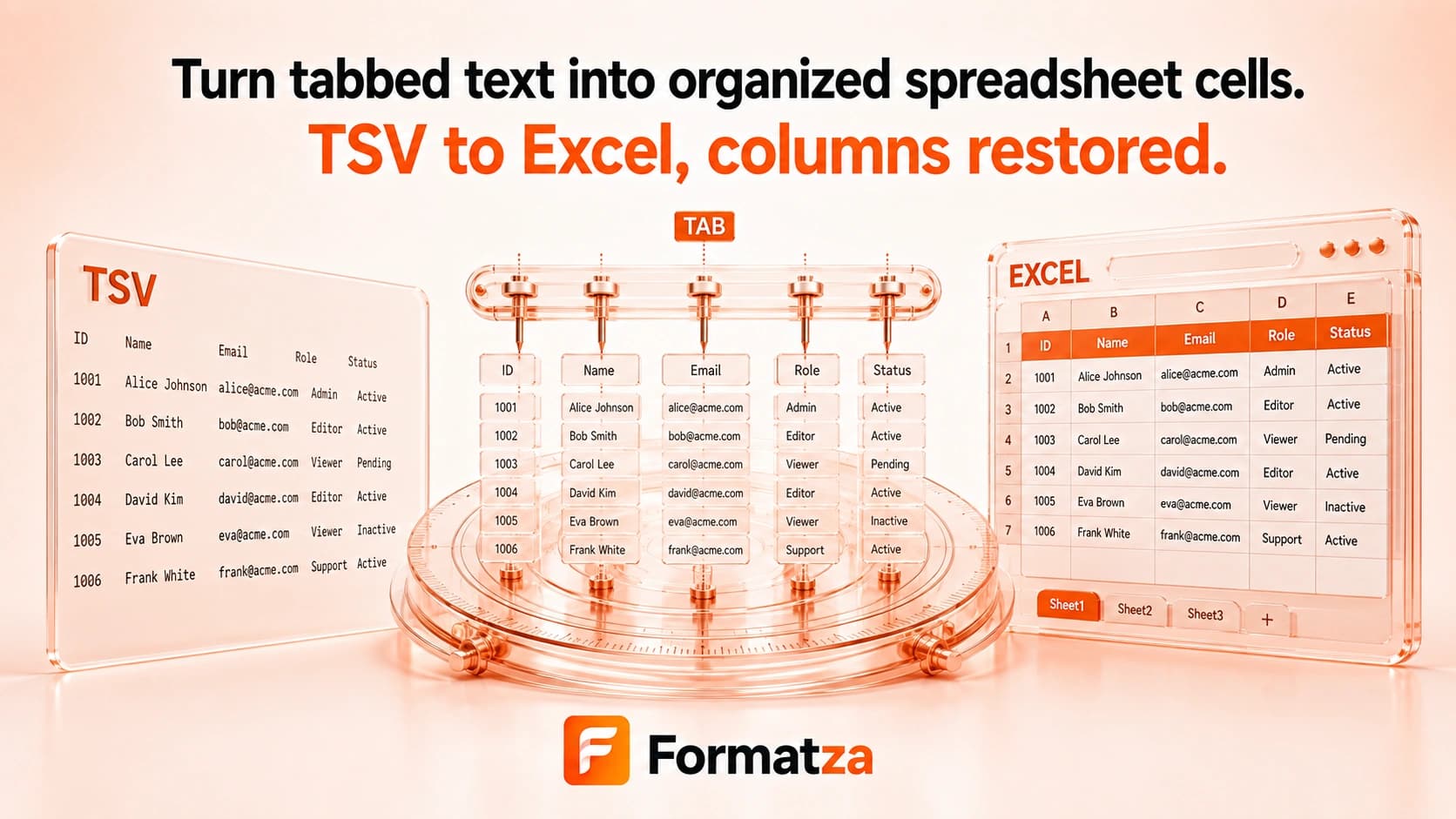
Convert one tab-separated TSV file or pasted TSV text into a single-sheet XLSX workbook in your browser. Fields are imported as text, providing a predictable table without pretending that plain TSV includes Excel formatting or formulas.
Steps
How it works
- Choose one TSV or text file, or paste tab-separated data.
- Review the rows parsed with tab delimiters.
- Create an XLSX workbook containing one Sheet1 worksheet.
- Download the generated Excel file.
Highlights
Key features
- Accepts uploaded .tsv or .txt files and pasted TSV data.
- Parses tab delimiters, quoted fields, escaped quotes, and quoted line breaks.
- Keeps parsed values as text, including date-like strings and leading-zero identifiers.
- Creates one real XLSX workbook for download.
- Shows a row preview before conversion.
Use cases
Common uses
- Open tab-separated exports in Excel.
- Turn TSV reports into a spreadsheet workbook.
- Keep identifier fields as text while creating XLSX rows.
- Convert pasted tabular data into a downloadable spreadsheet.
Notes
Limitations to know
- Only one TSV source is converted per run; batch, bulk, multiple-file, and ZIP conversion are unavailable.
- The parser expects tab delimiters and does not offer delimiter detection or customization.
- TSV contains no workbook styles, formulas, charts, or multiple sheets, so these cannot be restored.
- Values are written as text rather than automatically converted into dates or numbers.
- Malformed rows, unbalanced quotes, unusual encodings, or inconsistent column counts may produce unexpected output.
FAQ
Frequently asked questions
Will leading zeros be preserved?
Yes in the parser's output: fields are kept as strings when the worksheet is created.
Are dates automatically converted to Excel dates?
No. Date-like values remain text rather than being inferred as typed Excel dates.
Does the parser support quoted fields?
Yes. It handles double-quoted fields, escaped double quotes, and line breaks inside quoted values.
Can I recover formatting from a TSV file?
No. TSV is plain text and contains no original spreadsheet styles or formulas to restore.
Can I convert multiple TSV files?
No. One uploaded or pasted TSV source is processed per run.