
Rotate Image
Rotate images by 90/180 degrees.
Type to search tools. Use the up and down arrow keys to move through results, Enter to open a result, and Escape to clear the search.
Rotate images by 90/180 degrees.
Related tools
Ready tools are shown first.
Resize Image
Resize images to custom dimensions.
Compress Image
Reduce image file size while preserving quality.
JPG to PNG
Convert one JPG or batch convert up to 500 JPG images to PNG.
PNG to JPG
Convert one PNG or batch convert up to 500 PNG images to JPG.
JPG to WEBP
Convert one JPG or batch convert up to 500 JPG images to WebP.
PNG to WEBP
Convert one PNG or batch convert up to 500 PNG images to WebP.
Tool guide
Free Online Image Rotator
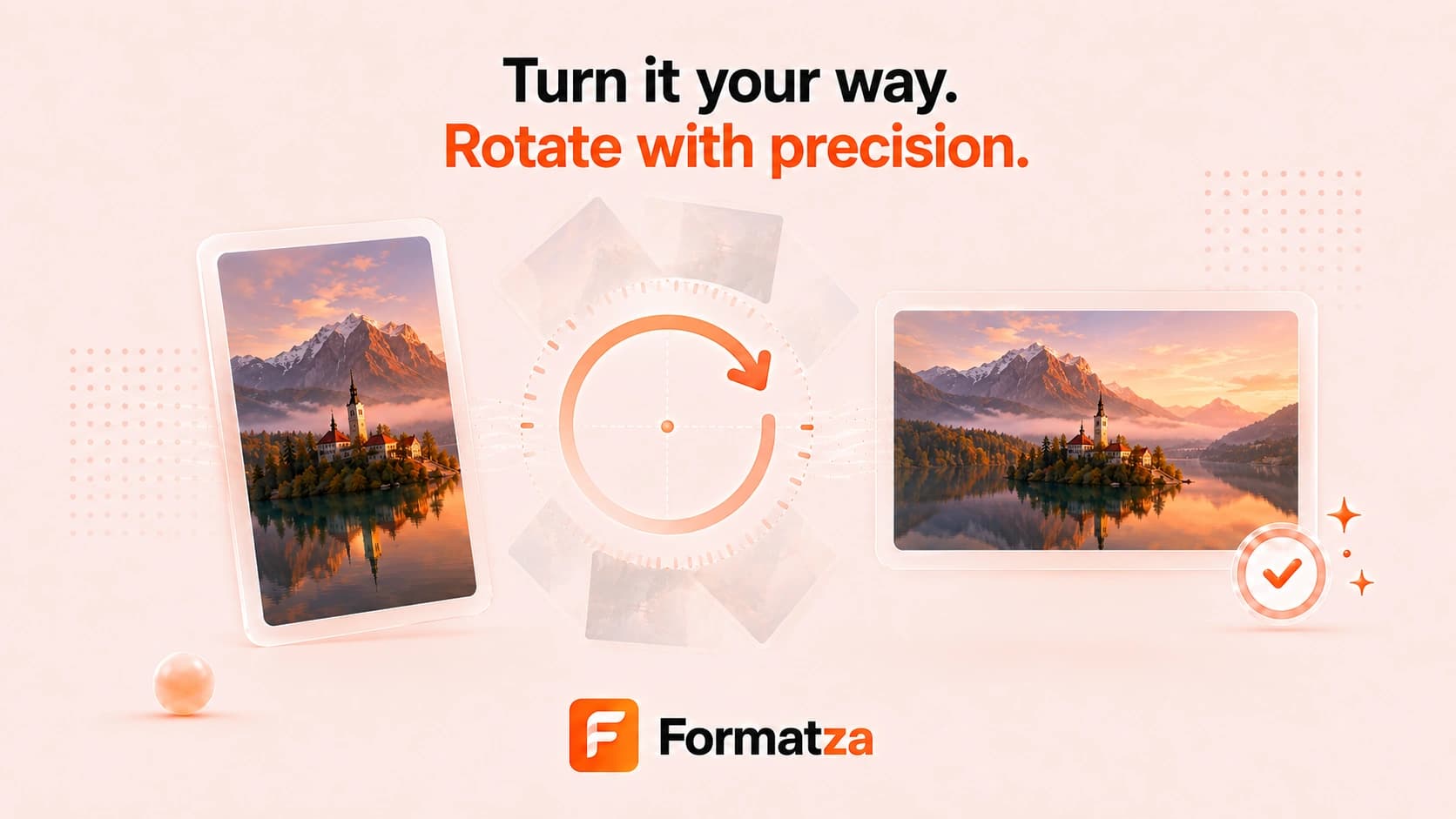
Rotate one JPG, PNG, or WebP image directly in your browser. Choose a 90-degree clockwise, 90-degree counterclockwise, or 180-degree preset, or enter a custom angle, then preview and download the rotated image.
Steps
How it works
- Choose one JPG, PNG, or WebP image.
- Select a rotation preset or enter a custom angle.
- Rotate the image and review the expanded preview.
- Download the result in the source image format.
Highlights
Key features
- 90-degree clockwise and counterclockwise presets.
- 180-degree rotation and custom-angle input.
- Canvas automatically expands to fit the rotated image.
- Browser-first preview and download workflow.
Use cases
Common uses
- Correct a sideways or upside-down photo.
- Rotate scanned documents or receipts.
- Create angled graphics for a design.
- Adjust image orientation without desktop software.
Notes
Limitations to know
- Rotate Image currently processes one file at a time.
- Custom angles can add empty space around the image.
- Image metadata, including EXIF orientation, may not be preserved.
- JPG and WebP results are re-encoded and may differ slightly from the source.
FAQ
Frequently asked questions
Can I rotate an image by 90 degrees?
Yes. Use the clockwise or counterclockwise 90-degree preset.
Can I use a custom rotation angle?
Yes. Enter a numeric angle when the presets do not fit your needs.
Why is there extra space around a custom-angle rotation?
The output canvas expands to contain the full rotated image, which can create space around non-right-angle rotations.
Can I rotate multiple images at once?
No. Rotate Image currently handles one JPG, PNG, or WebP file at a time.