
Remove Empty Columns
Remove empty columns from spreadsheet data.
Type to search tools. Use the up and down arrow keys to move through results, Enter to open a result, and Escape to clear the search.
Remove empty columns from spreadsheet data.
Related tools
Ready tools are shown first.
Excel to CSV
Convert Excel spreadsheets to CSV files.
CSV to Excel
Convert CSV files to Excel spreadsheets.
Excel to JSON
Convert Excel spreadsheets to JSON data.
JSON to Excel
Convert JSON data to Excel spreadsheets.
Excel to HTML
Convert Excel sheets to HTML tables.
HTML Table to Excel
Convert HTML tables to Excel spreadsheets.
Tool guide
Remove Empty Columns from Excel Online
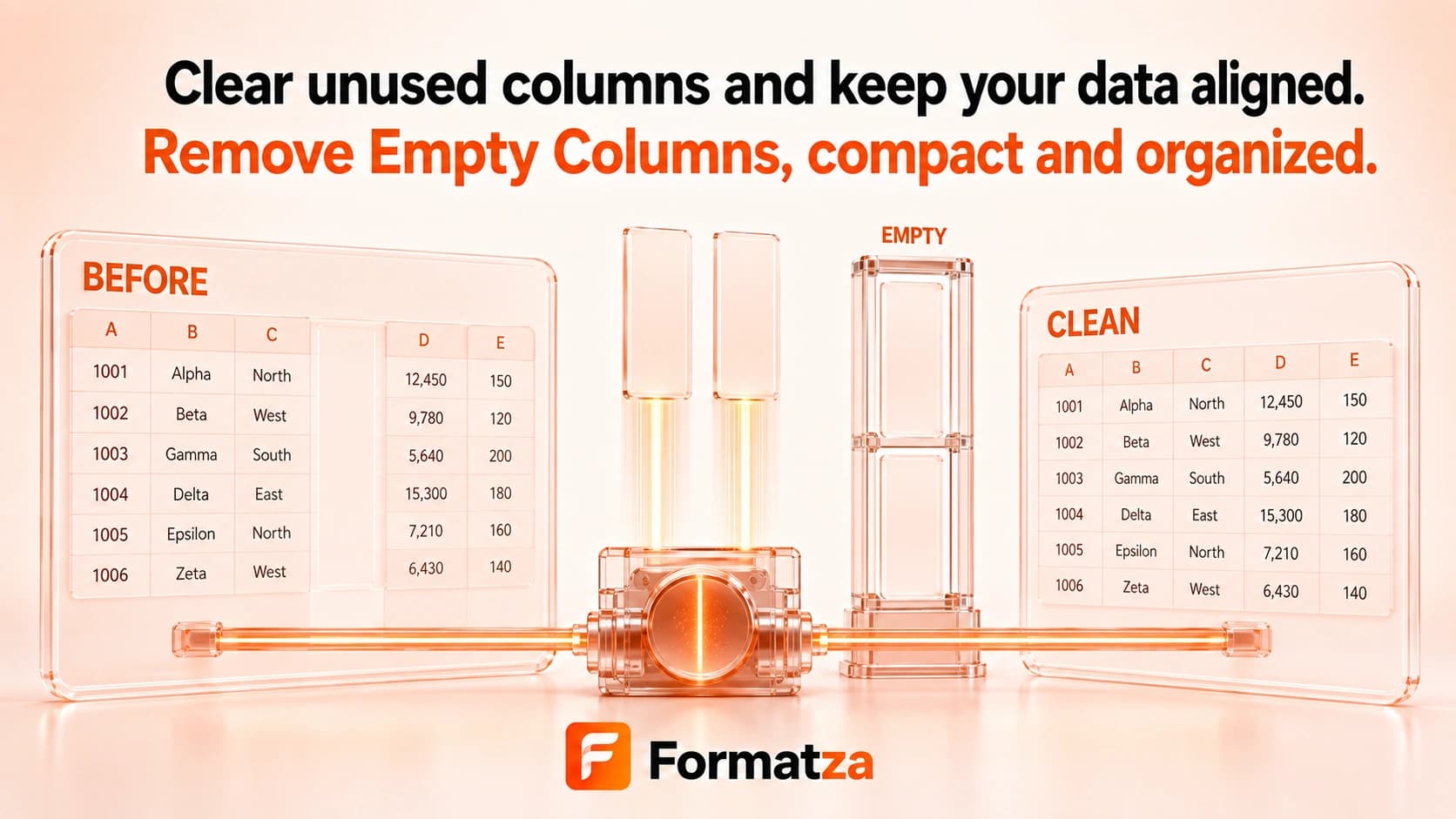
Delete fully empty columns from one XLS or XLSX workbook using a selected-sheet or all-sheet cleanup. A column is retained when any parsed cell contains a non-whitespace value, including zero or false.
Steps
How it works
- Choose one supported Excel workbook.
- Select a worksheet and choose the selected-sheet or all-sheet scope.
- Remove columns that contain no non-empty parsed values.
- Download the rebuilt XLSX workbook and review the removal count.
Highlights
Key features
- Cleans one selected worksheet or every listed worksheet.
- Checks the complete parsed column for non-empty values.
- Treats null, empty strings, and whitespace-only values as empty.
- Keeps columns containing 0, false, text, numbers, or another non-empty value.
- Reports the number of columns removed.
Use cases
Common uses
- Remove blank spreadsheet columns before data import.
- Clean unused columns from tabular exports.
- Prepare selected or all worksheet data for analysis.
- Reduce empty column clutter in a supported workbook.
Notes
Limitations to know
- One workbook is processed at a time; batch-file cleanup and ZIP output are unavailable.
- Only fully empty parsed columns are removed; a single non-empty cell keeps the column.
- A formula with an available empty-string result may be considered empty, while 0 and false are not empty.
- Hidden columns are not automatically empty, and hidden-state or styled-blank appearance is not used as the cleanup rule.
- Rebuilding worksheets from values can lose formulas, styles, widths, merged cells, hidden-column state, charts, images, macros, and other advanced features.
FAQ
Frequently asked questions
What counts as an empty column?
A column is empty only when all of its parsed cells are null, empty strings, or whitespace-only after trimming.
Will a partly filled column be removed?
No. Any non-empty parsed value keeps the entire column.
Are hidden columns removed?
Not because they are hidden. The tool checks parsed values rather than column visibility.
Can I clean all worksheets?
Yes. Select the all-sheets scope, or limit cleanup to one selected worksheet.
Can deleting columns affect formulas?
Yes. Processed sheets are rebuilt from values, and original formula references or advanced formatting are not reliably preserved.