
PDF Editor
Edit supported PDF text, add images and annotations, fill forms and organize pages in your browser.
Type to search tools. Use the up and down arrow keys to move through results, Enter to open a result, and Escape to clear the search.
Loading PDF Editor...
Tool guide
Edit PDF pages in your browser
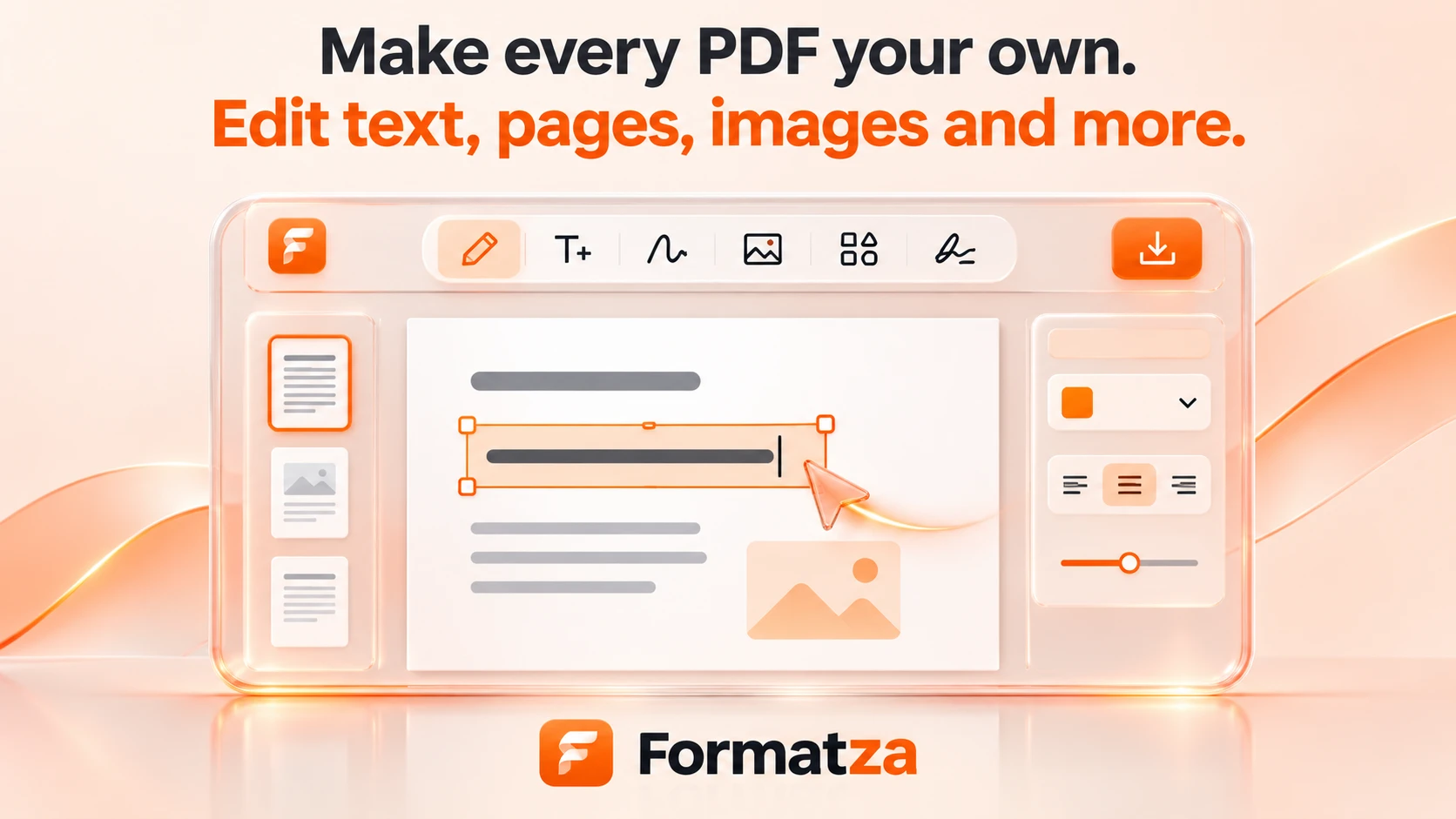
Edit supported original PDF text, find and replace, add images and annotations, fill forms, and organize pages in your browser.
Steps
How it works
- Upload an unlocked PDF.
- Choose Edit Text for original text or add new objects.
- Review changes, formatting and page organization.
- Download the edited PDF.
Highlights
Key features
- Multi-page workspace with drag-and-drop page organization and zoom.
- Original text editing, find and replace, local spelling and scan OCR.
- Text markup, comments, signatures, watermarks and fillable fields.
- Undo and redo for objects, pages and field values.
- Local processing without file uploads.
Notes
Limitations to know
- Original text edits are supported for validated text objects and encodings; some clipped, tagged, vertical or custom-font text is read-only.
- Added text and explicit substitute fonts use standard Latin fonts. Original-font editing depends on available glyphs; unsupported characters are rejected.
- Up to 100 MB and 300 pages; large documents may exceed device memory.
FAQ
Frequently asked questions
Are my files uploaded?
No. PDF processing happens in your browser.
Can I edit existing PDF text?
Yes. Edit Text rewrites supported original PDF text objects. Unsupported font encodings and structures are preserved safely.
Can I continue editing after downloading?
You can continue in the current session. Exported additions become PDF content; reopening does not restore editor object handles.