
JSON Viewer
View and inspect JSON data in your browser.
Type to search tools. Use the up and down arrow keys to move through results, Enter to open a result, and Escape to clear the search.
View and inspect JSON data in your browser.
Related tools
Ready tools are shown first.
Tool guide
Free Online JSON Viewer
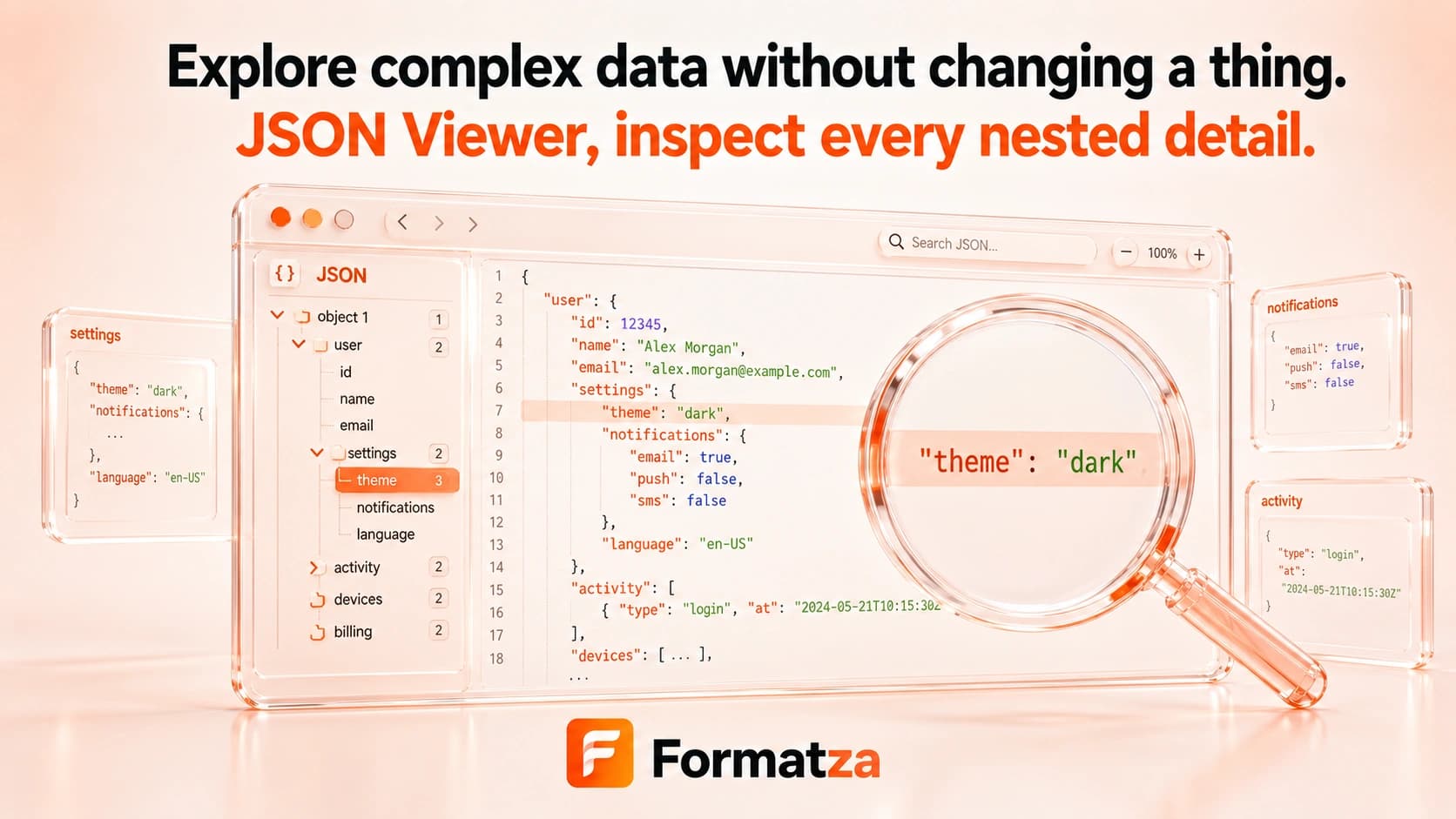
Open valid JSON as a readable, indented text preview in your browser. Paste content or choose one JSON or text file, then inspect and copy the formatted result without changing the uploaded file.
Steps
How it works
- Paste JSON or choose one JSON or plain-text file.
- Run the viewer to parse the input as standard JSON.
- Inspect the generated 2-space indented text view.
- Copy the displayed output when needed.
Highlights
Key features
- Accepts pasted JSON and one uploaded JSON or text file.
- Displays valid JSON with fixed 2-space indentation.
- Shows the result in a read-only monospaced text area.
- Reports standard JSON parsing errors before displaying a view.
- Provides a copy action for the formatted output.
Use cases
Common uses
- Read a compact JSON file more comfortably.
- Inspect nested objects and arrays as indented text.
- Review an API response or configuration snippet.
- Copy a readable JSON representation for debugging.
Notes
Limitations to know
- The current viewer is a formatted text view, not an expandable tree viewer.
- Search, collapse and expand controls, syntax coloring, raw-view switching, and structural navigation are unavailable.
- The input editor can be changed, but the viewer does not save those edits back to the uploaded file or provide a JSON download.
- Only valid standard JSON is displayed; malformed input is not repaired.
- One document is processed at a time, and inputs over 1 MB may take longer in the browser.
FAQ
Frequently asked questions
Can I expand and collapse nested objects?
No. The current viewer presents a 2-space indented text view rather than an interactive tree.
Can I search inside the JSON viewer?
There is no dedicated search control in the current viewer.
Can I upload a JSON file?
Yes. One JSON or plain-text file can be loaded, and pasted input is also supported.
Does the viewer modify my uploaded file?
No. It reads the content and creates a browser view without overwriting the source file.
Can I copy or download the view?
You can copy the formatted output, but this viewer does not currently offer a file download.