
JSON Unescape
Unescape JSON strings back to readable text.
Type to search tools. Use the up and down arrow keys to move through results, Enter to open a result, and Escape to clear the search.
Unescape JSON strings back to readable text.
Related tools
Ready tools are shown first.
Tool guide
Free Online JSON String Unescape Tool
Convert JSON-escaped string content back into readable text in your browser. Supported sequences such as escaped quotes, backslashes, newlines, tabs, and Unicode escapes are decoded through standard JSON string parsing.
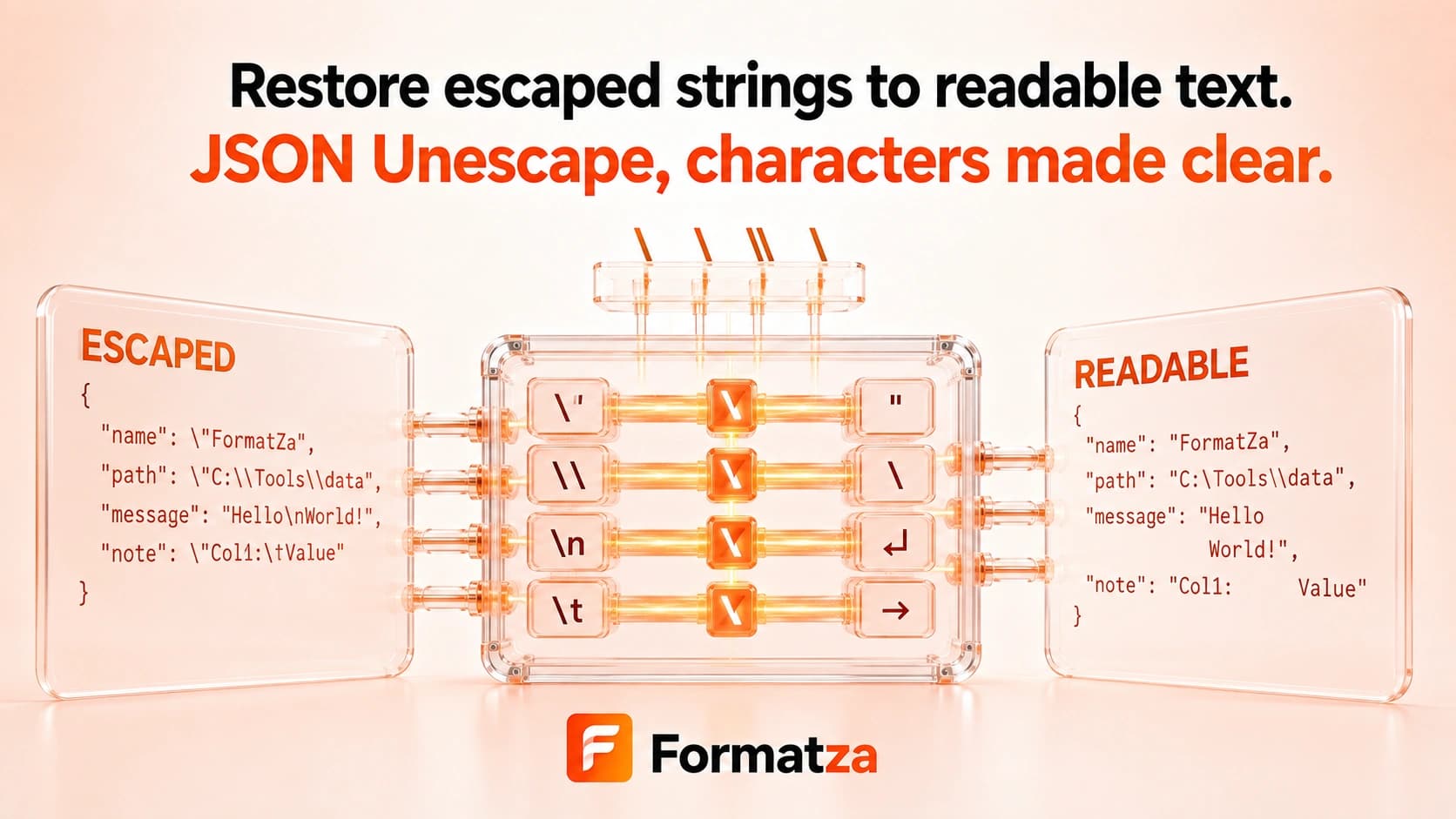
Steps
How it works
- Paste escaped string content or choose one text or JSON file.
- Optionally include surrounding double quotes; the tool removes one outer pair.
- Decode the supported JSON escape sequences.
- Copy or download the readable text output.
Highlights
Key features
- Decodes escaped double quotes and backslashes.
- Restores newline, tab, carriage-return, control, and supported Unicode escape sequences.
- Uses standard JSON string parsing to reject invalid escapes.
- Accepts content with or without one surrounding pair of double quotes.
- Provides copy and plain-text download actions.
Use cases
Common uses
- Read escaped text copied from a JSON string value.
- Restore line breaks and tabs in serialized string content.
- Decode escaped quotes and backslashes for debugging.
- Turn supported Unicode escapes into readable characters.
Notes
Limitations to know
- This tool decodes JSON string escape syntax only; it is not a general-purpose decoder for URLs, Base64, HTML entities, or arbitrary backslash formats.
- Invalid or incomplete escape sequences produce an error rather than being guessed or repaired.
- A complete JSON object is treated as string content, not parsed as a document structure.
- Removing outer quotation marks is limited to one leading and one trailing double quote.
- Unescaping is not decryption, validation, decompression, or batch processing.
FAQ
Frequently asked questions
Can it decode escaped quotes and newlines?
Yes. Valid JSON sequences such as \" and \n are converted back to their readable characters.
Are Unicode escapes supported?
Yes. Valid JSON Unicode escape sequences are decoded by the standard JSON string parser.
What happens with an invalid escape sequence?
The tool reports that the text could not be unescaped instead of returning unreliable output.
Can it decode Base64 or URL encoding?
No. It handles JSON string escapes only.
Is unescaping the same as parsing a JSON document?
No. It converts escaped string content into readable text rather than inspecting JSON objects or arrays.