
JSON to YAML
Convert JSON data to YAML format.
Type to search tools. Use the up and down arrow keys to move through results, Enter to open a result, and Escape to clear the search.
Convert JSON data to YAML format.
Related tools
Ready tools are shown first.
Tool guide
Free Online JSON to YAML Converter
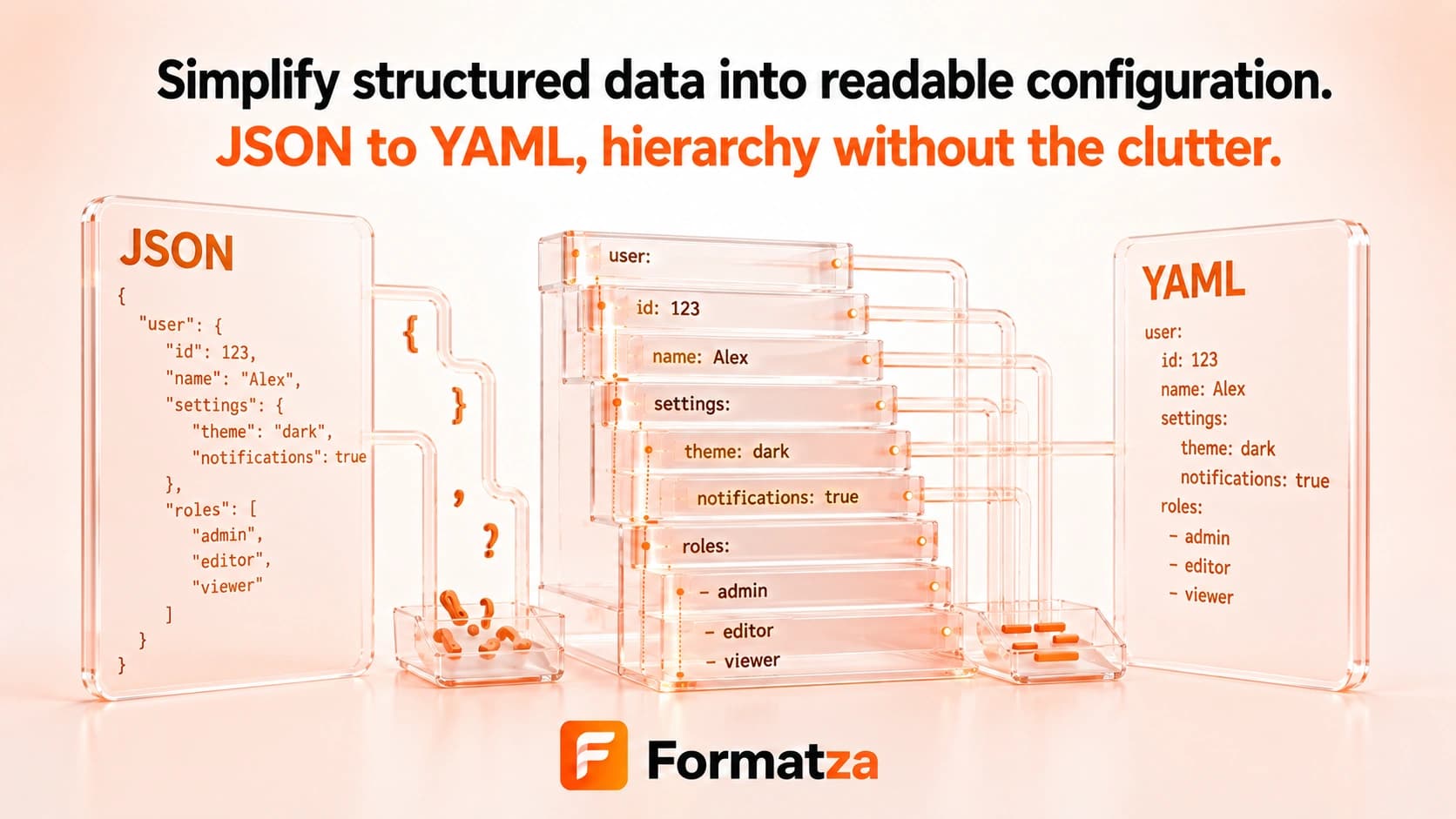
Convert valid JSON objects, arrays, and scalar values into readable YAML-style text in your browser. Nested structures are indented with spaces, arrays use list markers, and strings are quoted when their content could be ambiguous.
Steps
How it works
- Paste JSON or choose one JSON or plain-text file.
- Parse the input as standard JSON.
- Serialize nested values into indented YAML text.
- Review, copy, or download the YAML output.
Highlights
Key features
- Converts nested JSON objects and arrays.
- Preserves null, number, and boolean scalar meanings in generated text.
- Uses indentation and dash markers for structured YAML output.
- Quotes strings that resemble special YAML values or contain sensitive punctuation.
- Produces copyable output and a downloadable YAML file.
Use cases
Common uses
- Create readable YAML configuration from valid JSON.
- Convert nested JSON examples for documentation.
- Prepare simple YAML-style data for compatible tools.
- Translate arrays and objects into an indented text representation.
Notes
Limitations to know
- This is a lightweight serializer rather than a complete YAML specification implementation.
- JSON has no comments, anchors, aliases, tags, or merge keys, and the converter does not generate those YAML features.
- Object keys are sanitized for a restricted name format, so punctuation or spaces in keys may be replaced.
- Property order follows parsed JSON enumeration and no sorting control is provided.
- One input is processed at a time; batch files and guaranteed round-trip fidelity are unavailable.
FAQ
Frequently asked questions
Does JSON to YAML support arrays?
Yes. Arrays are emitted as YAML list items with dash markers.
Are nulls and booleans preserved?
They are emitted as null, true, or false scalar text rather than quoted strings.
Will JSON comments appear in YAML?
No. Standard JSON has no comment syntax, so there are no source comments to transfer.
Does it generate YAML anchors or aliases?
No. The lightweight converter outputs direct nested values without anchors, aliases, or merge keys.
Can every YAML parser read the output?
The output targets straightforward YAML data, but compatibility with every YAML version and specialized parser is not guaranteed.