
JSON to XML
Convert JSON data to XML format.
Type to search tools. Use the up and down arrow keys to move through results, Enter to open a result, and Escape to clear the search.
Convert JSON data to XML format.
Related tools
Ready tools are shown first.
Tool guide
Free Online JSON to XML Converter
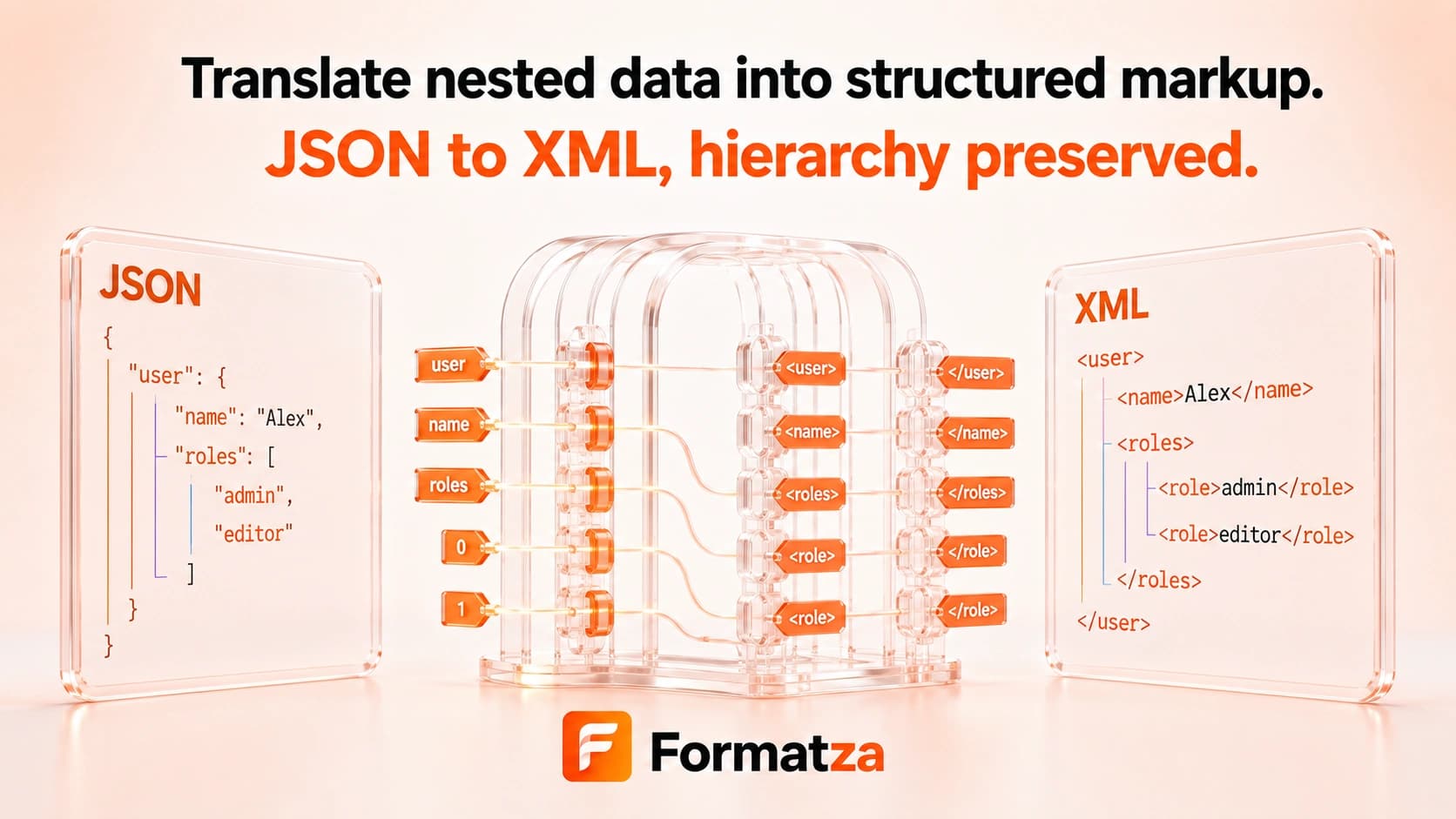
Convert valid JSON into XML with a configurable root element in your browser. Nested objects become nested elements, arrays repeat their element name, and text values are escaped for XML output.
Steps
How it works
- Paste JSON or choose one JSON or text file.
- Enter the root element name to use for the XML document.
- Convert nested JSON values into XML elements.
- Review, copy, or download the XML output.
Highlights
Key features
- Adds an XML declaration using UTF-8 in the generated text.
- Lets you set a root element, with root used as the default.
- Converts nested objects into nested XML elements.
- Represents arrays as repeated elements with the same tag name.
- Escapes ampersands, angle brackets, quotes, and apostrophes in text values.
Use cases
Common uses
- Create simple XML from JSON configuration data.
- Convert nested JSON objects for an XML-based integration.
- Generate readable XML examples from supported JSON.
- Prepare basic element-oriented XML for development testing.
Notes
Limitations to know
- The conversion is element-based and does not generate XML attributes, namespaces, comments, CDATA sections, schemas, or processing instructions.
- Invalid XML name characters in JSON keys are replaced, so original property names may change.
- Arrays repeat tags and may be ambiguous when converted back; a lossless JSON-XML round trip is not guaranteed.
- Null becomes empty element text and JSON type distinctions may not survive XML conversion.
- One input is processed at a time; batch and multiple-file conversion are unavailable.
FAQ
Frequently asked questions
Can I choose the XML root element?
Yes. Enter a root name before converting; root is used when the field is empty.
How are JSON arrays converted?
Each array item is emitted as another element using the array property's tag name.
Are XML attributes generated?
No. JSON properties are converted to elements rather than XML attributes.
Are special characters escaped?
Yes. XML-sensitive characters in values are replaced with their corresponding entities.
Can I convert the XML back without any changes?
No perfect round trip is promised because JSON types, arrays, names, and empty values do not map uniquely to XML.