
Image to Base64
Encode images to Base64 text for embedding or transfer.
Type to search tools. Use the up and down arrow keys to move through results, Enter to open a result, and Escape to clear the search.
Encode images to Base64 text for embedding or transfer.
Related tools
Ready tools are shown first.
Resize Image
Resize images to custom dimensions.
Compress Image
Reduce image file size while preserving quality.
JPG to PNG
Convert one JPG or batch convert up to 500 JPG images to PNG.
PNG to JPG
Convert one PNG or batch convert up to 500 PNG images to JPG.
JPG to WEBP
Convert one JPG or batch convert up to 500 JPG images to WebP.
PNG to WEBP
Convert one PNG or batch convert up to 500 PNG images to WebP.
Tool guide
Image to Base64 Encoder
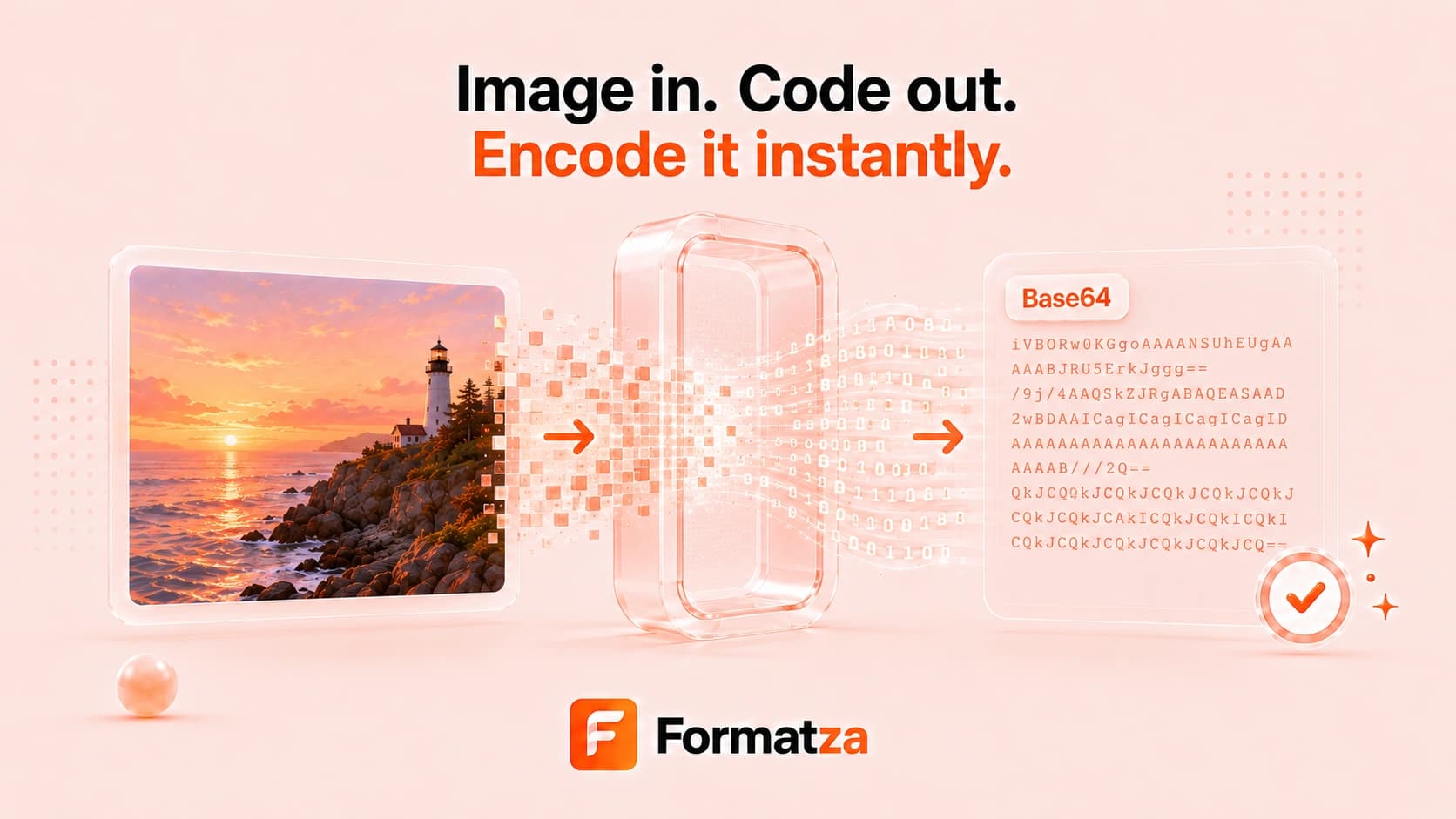
Convert a browser-supported image of up to 10 MB into a complete Base64 data URL. Preview the source, generate text that includes its image MIME type, and download the encoded value as a TXT file for HTML, CSS, JSON, or API work.
Steps
How it works
- Choose one browser-supported image file up to 10 MB.
- Review the source preview and file size.
- Convert the image into a Base64 data URL.
- Select the generated text or download it as a TXT file.
Highlights
Key features
- Produces a complete data URL rather than raw Base64 alone.
- Keeps the source MIME type in the data URL prefix.
- Supports JPG, PNG, SVG, and other image types the browser accepts.
- Provides a readable output field and TXT download.
Use cases
Common uses
- Embed a small image in HTML or CSS.
- Prepare image data for JSON or API testing.
- Store a portable image data URL in a text file.
- Inspect how a local image is represented as Base64 text.
Notes
Limitations to know
- Base64 is encoding, not encryption or compression.
- Encoded text is typically about one-third larger than the original binary data.
- Large images create very long strings and are limited to 10 MB.
- The tool outputs a data URL and does not provide a separate raw-Base64 mode or one-click Copy button.
FAQ
Frequently asked questions
Does the output include the image MIME type?
Yes. The generated data URL includes a prefix such as data:image/png;base64, before the encoded data.
Is a data URL the same as raw Base64?
No. A data URL adds the media type and Base64 marker before the encoded text. Raw Base64 contains only the encoded payload.
Does Base64 reduce image file size?
No. Base64 text is normally larger than the source file and is intended for text-based embedding or transfer.
Can I encode SVG images?
Yes, when the browser recognizes the SVG file as an image. The resulting data URL keeps its SVG MIME type.