
Extract Excel Sheet
Extract a selected sheet from an Excel workbook.
Type to search tools. Use the up and down arrow keys to move through results, Enter to open a result, and Escape to clear the search.
Extract a selected sheet from an Excel workbook.
Related tools
Ready tools are shown first.
Excel to CSV
Convert Excel spreadsheets to CSV files.
CSV to Excel
Convert CSV files to Excel spreadsheets.
Excel to JSON
Convert Excel spreadsheets to JSON data.
JSON to Excel
Convert JSON data to Excel spreadsheets.
Excel to HTML
Convert Excel sheets to HTML tables.
HTML Table to Excel
Convert HTML tables to Excel spreadsheets.
Tool guide
Free Online Excel Sheet Extractor
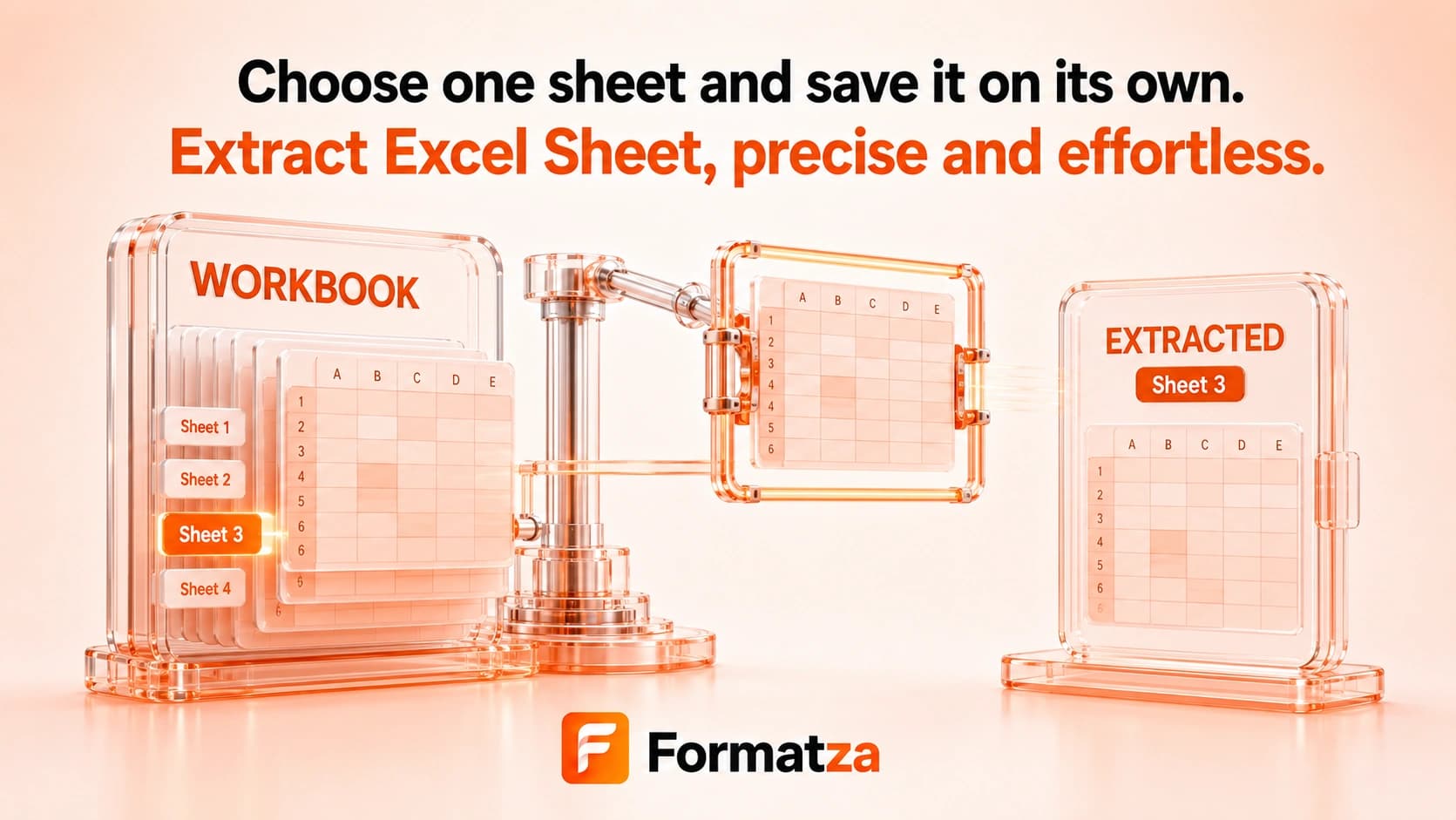
Extract one selected worksheet from an XLS or XLSX workbook and save its supported cell data as a separate XLSX file. Unlike the sheet splitter, this tool lets you choose one worksheet instead of exporting every sheet.
Steps
How it works
- Choose one XLS or XLSX workbook.
- Select the worksheet you want from the detected sheet list.
- Extract that worksheet into a new single-sheet workbook.
- Download the generated XLSX file.
Highlights
Key features
- Provides a worksheet selector for supported XLS and XLSX files.
- Exports exactly one selected worksheet per operation.
- Names the output from the source workbook and selected worksheet.
- Rebuilds a clean XLSX workbook from the selected sheet's available cell values.
- Shows clear processing and output states in the browser.
Use cases
Common uses
- Save one report tab as a separate spreadsheet.
- Share a selected worksheet without distributing the whole workbook.
- Extract one table for a focused data workflow.
- Create a standalone copy of supported worksheet values.
Notes
Limitations to know
- Only one workbook and one selected worksheet are processed per run; batch and multiple-sheet extraction are unavailable.
- The output is rebuilt from row values, so formulas, styles, number formats, merged cells, dimensions, charts, images, comments, macros, and workbook metadata may not transfer.
- Formulas that depend on another worksheet or external workbook cannot remain reliable after extraction.
- Hidden worksheets may appear in the selector if the parser lists them, but hidden-state metadata is not retained.
- This tool does not edit or remove the selected worksheet from the original file.
FAQ
Frequently asked questions
How is this different from Split Excel Sheets?
This tool extracts one worksheet you select. Split Excel Sheets generates a separate file for every listed worksheet.
Can I extract more than one sheet at once?
No. The current workflow exports one selected worksheet per operation.
What format is the extracted sheet?
The output is a new XLSX workbook containing the selected worksheet's supported row values.
Will cross-sheet formulas still work?
Not reliably. References to sheets that are not included in the output cannot function as they did in the original workbook.
Are styles and merged cells retained?
The output is reconstructed from cell values, so styles, merged-cell layout, and other advanced worksheet features may be lost.