
Excel Viewer
Preview Excel spreadsheets in your browser.
Type to search tools. Use the up and down arrow keys to move through results, Enter to open a result, and Escape to clear the search.
Preview Excel spreadsheets in your browser.
Related tools
Ready tools are shown first.
Excel to CSV
Convert Excel spreadsheets to CSV files.
CSV to Excel
Convert CSV files to Excel spreadsheets.
Excel to JSON
Convert Excel spreadsheets to JSON data.
JSON to Excel
Convert JSON data to Excel spreadsheets.
Excel to HTML
Convert Excel sheets to HTML tables.
HTML Table to Excel
Convert HTML tables to Excel spreadsheets.
Tool guide
Free Online Excel Viewer
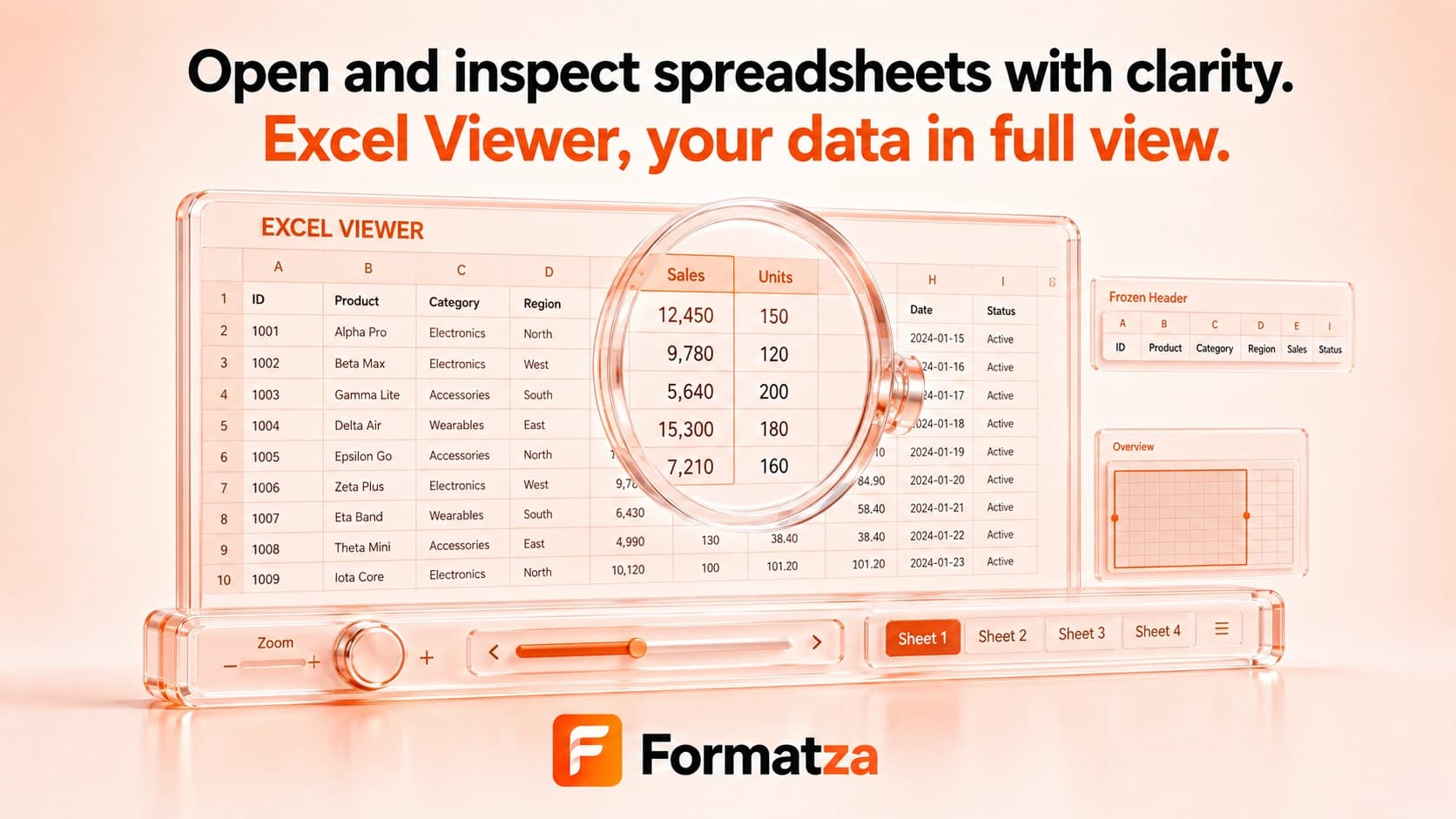
Open an XLS or XLSX workbook and preview one worksheet at a time as a browser table. Switch between detected sheets to inspect supported cell values without editing or exporting the workbook.
Steps
How it works
- Choose one XLS or XLSX workbook.
- Select a worksheet from the detected sheet menu.
- Review the supported rows and cell values in the table preview.
- Switch sheets or clear the workbook when finished.
Highlights
Key features
- Opens supported XLS and XLSX workbooks in the browser.
- Lets you switch between detected worksheets.
- Displays worksheet values in a scrollable table preview.
- Warns when a large workbook may take longer to read.
- Provides a read-only preview without changing the source file.
Use cases
Common uses
- Quickly inspect spreadsheet values without desktop Excel.
- Check worksheet names and tabular content before conversion.
- Preview a workbook on a device with a compatible browser.
- Review supported rows before extracting or cleaning a sheet.
Notes
Limitations to know
- This is a read-only value preview, not an Excel editor, search tool, sorting interface, or filtering tool.
- The table is not a pixel-perfect Excel rendering and may simplify dates, number formats, styles, merged cells, row heights, and column widths.
- Formulas are not recalculated; the preview may show the value available to the parser.
- Charts, images, comments, macros, conditional formatting, validation rules, and other advanced objects are not presented as Excel does.
- Hidden sheet, row, and column states are not explicitly identified, and large workbooks can use substantial browser memory.
FAQ
Frequently asked questions
Can I edit and save the spreadsheet?
No. The current Excel Viewer is a read-only table preview and does not export edits.
Can I switch between worksheets?
Yes. Use the sheet selector to display another worksheet returned by the parser.
Are formulas recalculated?
No. The viewer does not run Excel's calculation engine and may show an available stored or parsed value.
Will charts and images appear?
No complete rendering is provided for charts, images, comments, macros, or other advanced workbook objects.
Is the preview identical to Excel?
No. It is a simplified value table, so formatting and layout can differ from the desktop workbook.