
Crop Image
Crop images to selected regions.
Type to search tools. Use the up and down arrow keys to move through results, Enter to open a result, and Escape to clear the search.
Crop images to selected regions.
Related tools
Ready tools are shown first.
Resize Image
Resize images to custom dimensions.
Compress Image
Reduce image file size while preserving quality.
JPG to PNG
Convert one JPG or batch convert up to 500 JPG images to PNG.
PNG to JPG
Convert one PNG or batch convert up to 500 PNG images to JPG.
JPG to WEBP
Convert one JPG or batch convert up to 500 JPG images to WebP.
PNG to WEBP
Convert one PNG or batch convert up to 500 PNG images to WebP.
Tool guide
Free Online Image Cropper
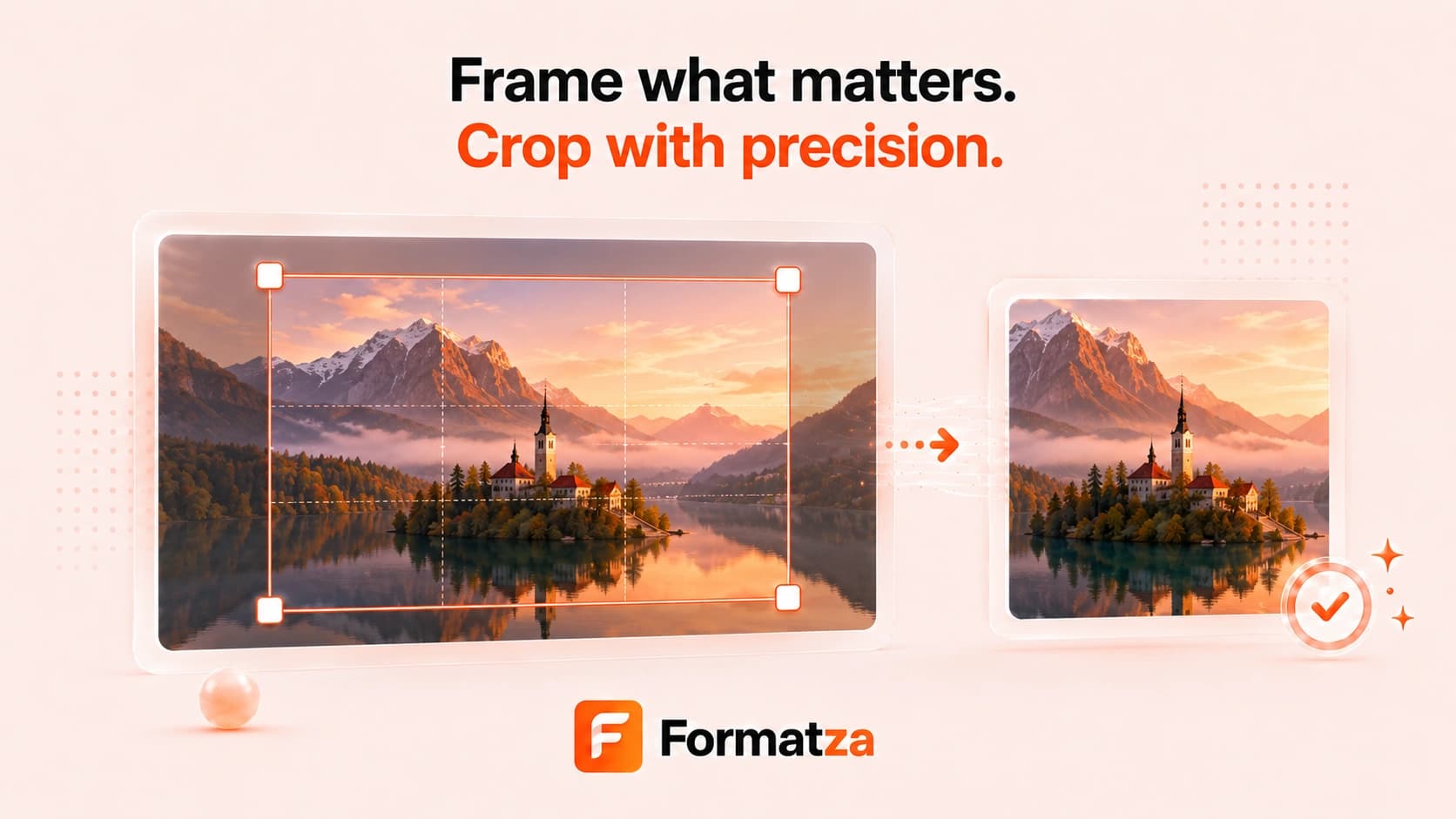
Crop one JPG, PNG, or WebP image with a visual selection or exact pixel coordinates. Create, move, and resize the crop rectangle, preview the result, and download it in the source image format directly from your browser.
Steps
How it works
- Choose one JPG, PNG, or WebP image.
- Drag on the preview to create a crop area.
- Move or resize the selection, or enter exact X, Y, width, and height values.
- Crop the image, review the output, and download the result.
Highlights
Key features
- Mouse and touch-friendly visual crop selection.
- Move and corner-resize interactions.
- Manual pixel coordinates for precise cropping.
- Reset Crop control without removing the uploaded image.
Use cases
Common uses
- Remove unwanted edges or subjects from a photo.
- Create a focused crop for profiles, posts, or thumbnails.
- Extract an exact pixel region from an image.
- Prepare JPG, PNG, or WebP graphics for a layout.
Notes
Limitations to know
- Crop Image currently processes one file at a time.
- There are no preset aspect-ratio controls; use the visual selector or dimensions.
- The output is re-encoded and may not preserve metadata.
- JPG and WebP output may use lossy encoding, while transparent pixels are only retained by formats that support them.
FAQ
Frequently asked questions
Can I crop an image by dragging?
Yes. Drag to create a selection, drag inside it to move it, and use the corner handles to resize it.
Can I enter exact crop dimensions?
Yes. X, Y, width, and height fields stay synchronized with the visual selection.
Which image formats can I crop?
The tool accepts one JPG, PNG, or WebP image and exports in the corresponding source format.
Can I batch crop images?
No. This crop editor currently works with one image at a time.