
Blur Image
Apply blur effects to images.
Type to search tools. Use the up and down arrow keys to move through results, Enter to open a result, and Escape to clear the search.
Apply blur effects to images.
Related tools
Ready tools are shown first.
Resize Image
Resize images to custom dimensions.
Compress Image
Reduce image file size while preserving quality.
JPG to PNG
Convert one JPG or batch convert up to 500 JPG images to PNG.
PNG to JPG
Convert one PNG or batch convert up to 500 PNG images to JPG.
JPG to WEBP
Convert one JPG or batch convert up to 500 JPG images to WebP.
PNG to WEBP
Convert one PNG or batch convert up to 500 PNG images to WebP.
Tool guide
Free Online Image Blur Tool
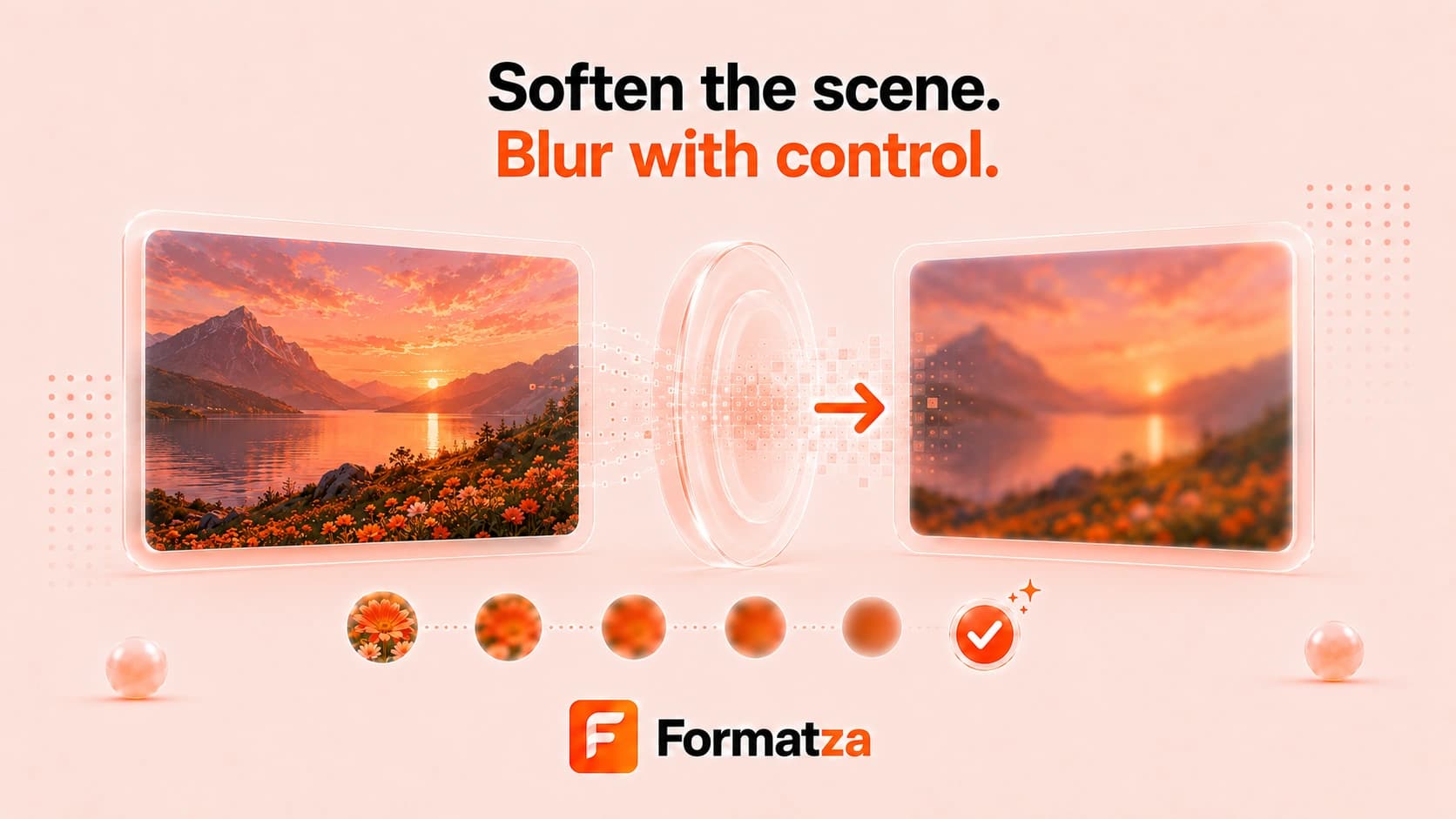
Apply an adjustable blur to an entire JPG, PNG, or WebP image in your browser. Choose a blur strength from 0 to 30 pixels, compare the original with the processed preview, and download the blurred image in its source format.
Steps
How it works
- Choose one JPG, PNG, or WebP image.
- Set the whole-image blur strength with the slider.
- Apply the blur and review the output preview.
- Download the processed image.
Highlights
Key features
- Whole-image blur from 0 to 30 pixels.
- Original and blurred previews.
- JPG, PNG, and WebP input support.
- Output in the corresponding source format.
Use cases
Common uses
- Soften a photo for a background or design layer.
- Reduce distracting detail across an entire image.
- Create a blurred backdrop for text or interface mockups.
- Obscure general visual detail before sharing, with appropriate caution.
Notes
Limitations to know
- Blur applies to the whole image; there is no face detection, background detection, brush, mask, or selected-region control.
- Blur should not be treated as guaranteed secure redaction of sensitive information.
- This tool processes one image at a time.
- Strong blur permanently reduces visible detail in the downloaded copy.
- Re-encoding may change metadata, transparency behavior, or output quality.
FAQ
Frequently asked questions
Can I blur only a face or background?
No. The current tool applies the chosen blur strength to the entire image and does not detect faces or backgrounds.
Can I control the blur strength?
Yes. Use the slider to choose a blur radius from 0 to 30 pixels before applying it.
Is blur safe for hiding confidential information?
Not necessarily. Blur can obscure detail visually, but determined recovery or interpretation may still be possible. Use proper redaction for sensitive data.
Can I blur multiple images at once?
No. Blur Image currently handles one JPG, PNG, or WebP image at a time.